README
vue-drip-navtab
Vue Drip Navtab is solution that could help you about use Tabs with VueJS 🎨


A Vue.js plugin to easily integrate button in your projects.
Vue Drip NavTab is a NavTab that works with other component Vue Drip Tab to give a lot of alternatives to work with.
Instalation
Install the package from npm by running:
# install dependencies
npm i @arikardnoir/vue-drip-navtab
then you install this too:
# install dependencies
npm i @arikardnoir/vue-drip-tab
Usage
Import, register and place the component in your Vue app.
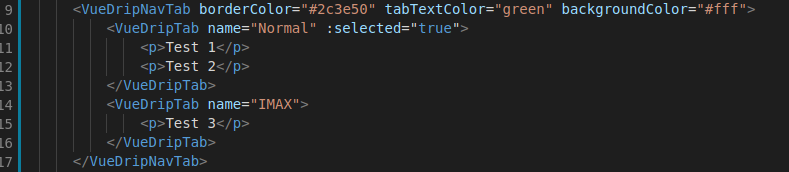
<template>
    <VueDripNavTab borderColor="#2c3e50" tabTextColor="green" backgroundColor="#fff">
        <VueDripTab name="Normal" :selected="true">
            <p>Test 1</p>
            <p>Test 2</p>
        </VueDripTab>
        <VueDripTab name="IMAX">
            <p>Test 3</p>
        </VueDripTab>
    </VueDripNavTab>
</template>
import VueDripNavTab from '@arikardnoir/vue-drip-navtab'
import VueDripTab from '@arikardnoir/vue-drip-tab'

export default {
  components: {
    VueDripNavTab,
    VueDripTab
  }
}
Props
Components Property that make him cool
| Name | Type | Default | Required | Description |
|---|---|---|---|---|
| name | String | tabs name | ||
| selected | Boolean | false | props to choose default Tab | |
| borderColor | String | true | change the borders colors | |
| tabTextColor | String | true | change the Tab text color | |
| backgroundColor | String | true | change the navtab background color |
Examples
Some examples that how you could use this component