README
Range 🎯
Range structure
CircleCI">



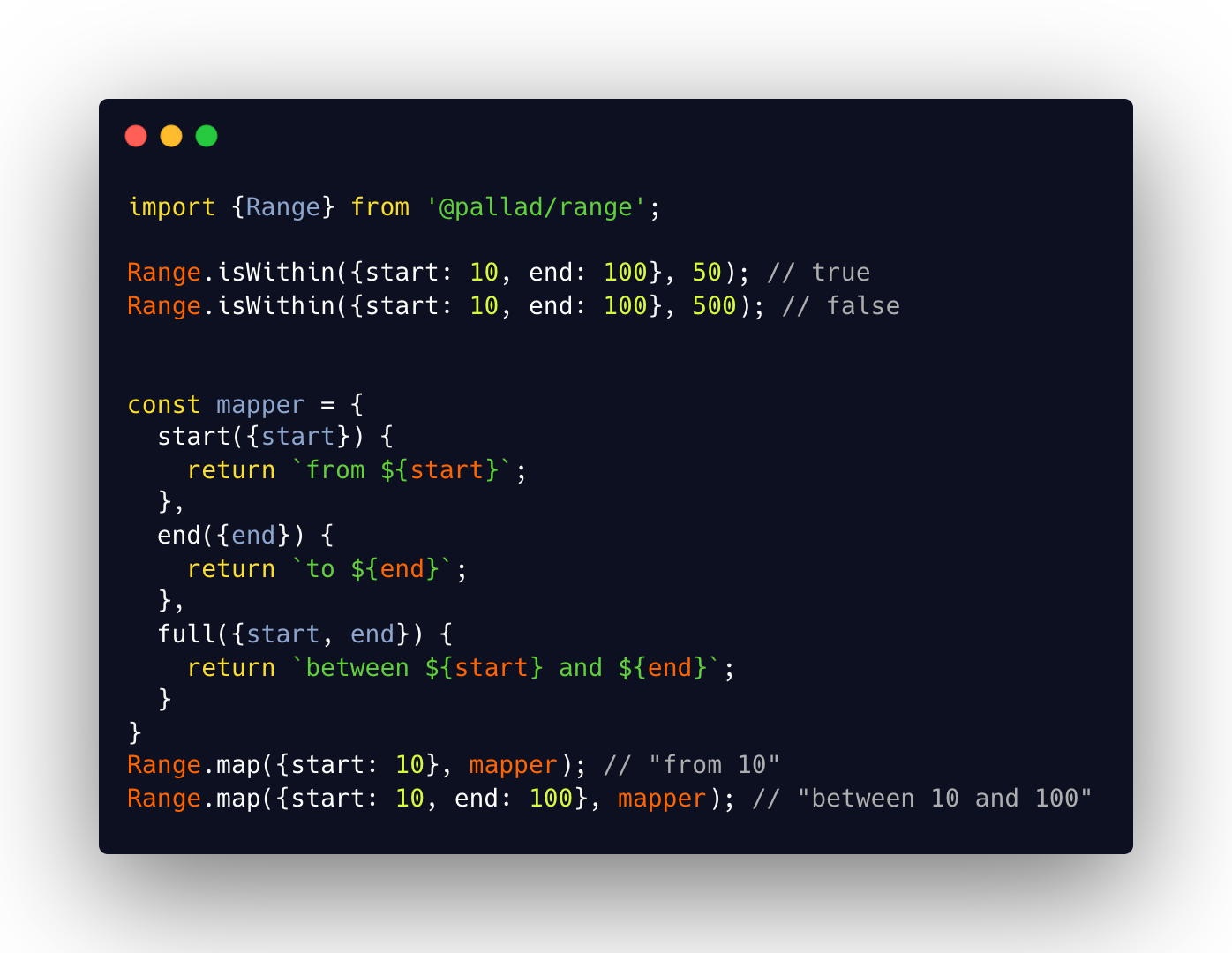
Very simple structure with helper methods to define range of values in following scenarios
- from A
- to A
- between A and B
Community
Join our discord server
Installation
npm install @pallad/range
Usage
Range consists of 3 different interfaces
Range.Start that defines only a start without an end.
interface Start<T> {
    start: T
}
Range.End that defines only an end without a start.
interface End<T> {
    end: T;
}
Range.Full that defines both a start and an end.
type Full<T> = Start<T> & End<T>
The Range type itself is an union of those 3 types.
type Range<T> = Range.Full<T> | Range.Start<T> | Range.End<T>;
Creating
You can create Range from regular creation function, array or tuple.
Regular create
// full range
Range.create(1, 100);
// start range
Range.create(1);
// end range
Range.create(undefined, 100);
From array or Tuple
// start range
Range.fromArray([1])
// full range
Range.fromArray([1, 100])

// full range - other values are ignores
Range.fromArray([1, 100, 1003, 3000])
// end range
Range.fromArray([undefined, 100])
If creation fails, TypeError is thrown.
// fails - undefined values
Range.create(undefined, null)

// fails - start greater than end
Range.create(100, 1)

// fails - empty array
Range.fromArray([])
// fails - undefined values only
Range.fromArray([undefined, null])
You can prevent throwing an error using .validation property on creation functions which returns Validation monad.
Range.create(1, 100).success();
Range.create(null, undefined).fail() // 'Cannot create Range from undefined or null values'
Enchanted range
Enchanted range is a range object with extra methods. Enchanted object is immutable.
const enchantedRange = enchant(Range.create(1, 100));

enchantedRange.isWithin(40); // true
enchantedRange.isWithin(500); // false

enchantedRange.map({
    start: ({start}) => `from ${start}`,
    end: ({end}) => `to ${end}`,
    full: ({start, end}) => `between ${start} and ${end}`
}); // 'between 1 and 100`

enchantedRange.toTuple(); // [1, 100]
Checking if value is a Range
Range.is({start: 10}) // true
Range.is({end: 10}) // true
Range.is({start: 1, end: 10}) // true
Helper methods
Mapping
Mapping converts range to any other value.
Range.map accepts object with properties named start, end and full where each of it might be a function or any
other value.
If property value is a function then result of that function gets returned, otherwise it takes the value.
const range = Range.create(1, 100);
// mapping to simple values
Range.map(range, {start: 'start', end: 'end', full: 'full'}) // 'full'

// mapping functions
enchantedRange.map({
    start: ({start}) => `from ${start}`,
    end: ({end}) => `to ${end}`,
    full: ({start, end}) => `between ${start} and ${end}`
}); // 'between 1 and 100`
Check if value falls in range
Range.isWithin checks if given values falls in range. Internally uses @pallad/compare so custom comparison functions
for value objects are supported.
Range.isWithin(Range.create(1, 100), 50) // true
Range.isWithin(Range.create(1, 100), 500) // false
Exclusivity
By default isWithin treats every range as inclusive for both edges. You can change that behavior with second argument.
const range = Range.create(1, 100);

// exclusivity = false
Range.isWithin(range, 100, false) // true
Range.isWithin(range, 1, false) // true

// same as above
Range.isWithin(range, 100) // true
Range.isWithin(range, 1) // true

// exclusivity = true
Range.isWithin(range, 100, true) // false
Range.isWithin(range, 1, true) // false

// start exclusive
Range.isWithin(range, 100, {start: true}) // true
Range.isWithin(range, 1, {start: true}) // false

// end exclusive
Range.isWithin(range, 100, {end: true}) // false
Range.isWithin(range, 1, {end: true}) // true