README
UpscalerJS Models
Pre-trained models for use with UpscalerJS.
The models include:
| Dataset | Scale | Example |
|---|---|---|
| DIV2K | 2x | 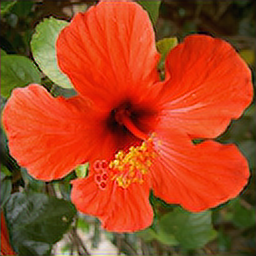 |
| DIV2K | 3x | 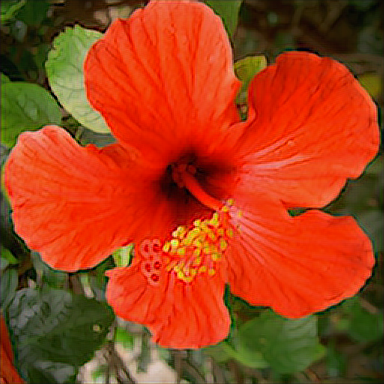 ) ) |
| DIV2K | 4x | 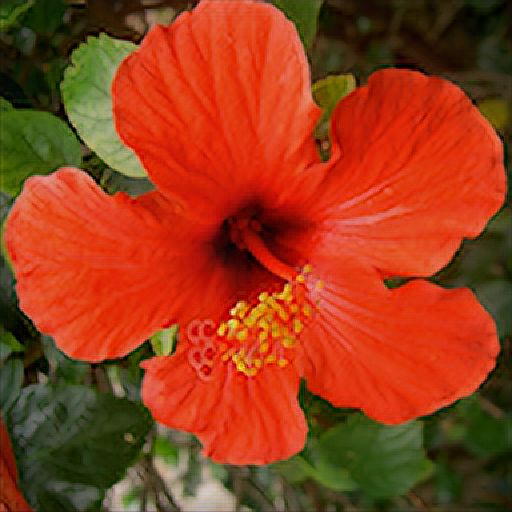 ) ) |
 Sample image used for upscaling
Contributing
You'd like to contribute a new pretrained model? Awesome!
You can get a sense of the existing pretrained models by checking out the examples folder above. Each pretrained model will have an entry (for models at different scales, they'll usually have a single README since they were trained using the same parameters and dataset).
New models
To contribute a new pretrained model, you'll first need a model that runs in Javascript. Generally, that means that:
- the model be trained in Tensorflow or be tensorflow-compatible
- the model can be converted using the TFJS Converter (this means avoiding things like custom layers).
- the model be quantized, if doing so does not lead to a drastic change in accuracy. Quantization helps performance in the browser. Try for the maximum quantization you can (8-bit).
Once you've converted a model, you'll want to follow this checklist:
- Open a PR against this library. Make sure to include:
- Your model's
model.jsonand weights in a folder within the models folder. - An update to this README's models table including your model and its scale.
- A
config.jsonfile that has a description of your model. Some helpful things to include are how you trained your model, what dataset you used, and any hyperparameters you used. - An entry in the examples folder, copying the description from above and also including a sample image output for evaluation purposes.
- Bump the version of
package.json. Do a minor bump (aka,0.1.1->0.1.2) - Special kudos if you provide a one-click Colab or Dockerfile for reproducing your results.
- Your model's
- Open a PR against UpscalerJS
- Add your model to the
MODELSobject so it can be loaded successfully.
- Add your model to the
Credits
All models are trained using image-super-resolution, an implementation of ESRGAN by @idealo.