README
anchor-scroll-menu 👋
Anchor menu with scrolling contents for React



🏠 Homepage
✨ Demo & Document
Install
$ npm install anchor-scroll-menu
Snapshot
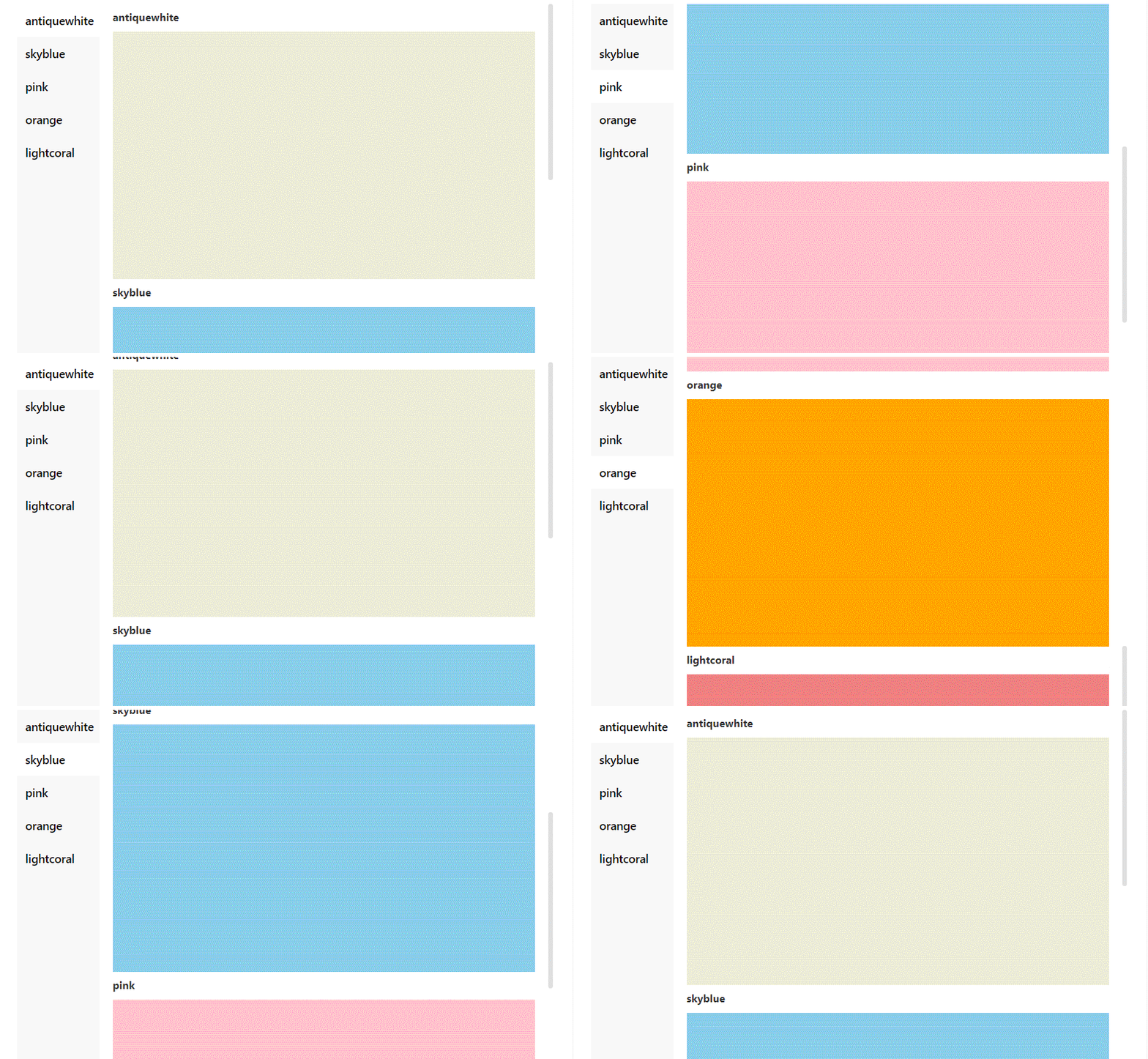
Usage
import React from 'react';
import { AnchorMenu } from 'anchor-scroll-menu';

const commonStyle = { height: 300 };
const id = +new Date();
const menuList = [
  {
    name: 'antiquewhite',
    key: `antiquewhite${id}`,
    content: <div style={{ ...commonStyle, backgroundColor: 'antiquewhite' }} />,
  },
  {
    name: 'skyblue',
    key: `skyblue${id}`,
    content: <div style={{ ...commonStyle, backgroundColor: 'skyblue' }} />,
  },
  {
    name: 'pink',
    key: `pink${id}`,
    content: <div style={{ ...commonStyle, backgroundColor: 'pink' }} />,
  },
  {
    name: 'orange',
    key: `orange${id}1`,
    content: <div style={{ ...commonStyle, backgroundColor: 'orange' }} />,
  },
  {
    name: 'lightcoral',
    key: `lightcoral${id}`,
    content: <div style={{ ...commonStyle, backgroundColor: 'lightcoral' }} />,
  },
];

export default () => (
  <div style={{ width: '100%', height: 600 }}>
    <AnchorMenu menuList={menuList} />
  </div>
);
API
| Name | Description | Type | Default |
|---|---|---|---|
| menuList | 菜单数据数组,key请确保是唯一的,由字母数字组成,且必须以字母开头 | { name: string; content: ReactNode; key: string; }[] |
[] |
| menuStyle | menu区域的style | CSSProperties |
-- |
| placement | menu区域的位置 | "top" | "right" | "bottom" | "left" | left |
| scrollDirection | 滚动方向 | "vertical" | "horizontal" | vertical |
| region | 手动滚动时,滚动内容跟父元素顶部距离的区间,滚动内容一到达该区间,对应菜单按钮高亮。如果滚动过快时,菜单没有高亮,不妨将区间增大。 | [number, number] |
[-20, 20] |
| easing | 缓动动画函数 | "linear" | "easeInQuad" | "easeOutQuad" | "easeInOutQuad" | "easeInCubic" | "easeOutCubic" | "easeInOutCubic" | easeInOutCubic |
| duration | 用多少ms完成滚动动画,单位 ms | number |
300 |
| hideTitle | 隐藏内容块的title | boolean |
false |
| activeKey | 当前激活的menu的key | string |
-- |
| onMenuClick | 点击菜单的回调函数 | (key: string, index: number, activeKey: string) => void |
-- |
| onReach | 点击菜单滚动到达目的地后的回调函数 | (...args: any[]) => void |
-- |
| ## Knowledge |
hooks的使用:useState、useEffect、useRef、useMemo、useCallback、etc.
Github Actions:github 自动部署、gitee 同步代码和部署、npm publish、etc.
dumi:dumi 文档生成工具的使用和配置。
requestAnimationFrame、easings缓动动画函数的使用。
Author
👤 jay_ohhh
- Website: https://github.com/Jay-Ohhh
- Github: @Jay-Ohhh
🤝 Contributing
Contributions, issues and feature requests are welcome!
Feel free to check issues page. You can also take a look at the contributing guide.
Show your support
Give a ⭐️ if this project helped you!
📝 License
Copyright © 2022 jay_ohhh.
This project is MIT licensed.
This README was generated with ❤️ by readme-md-generator