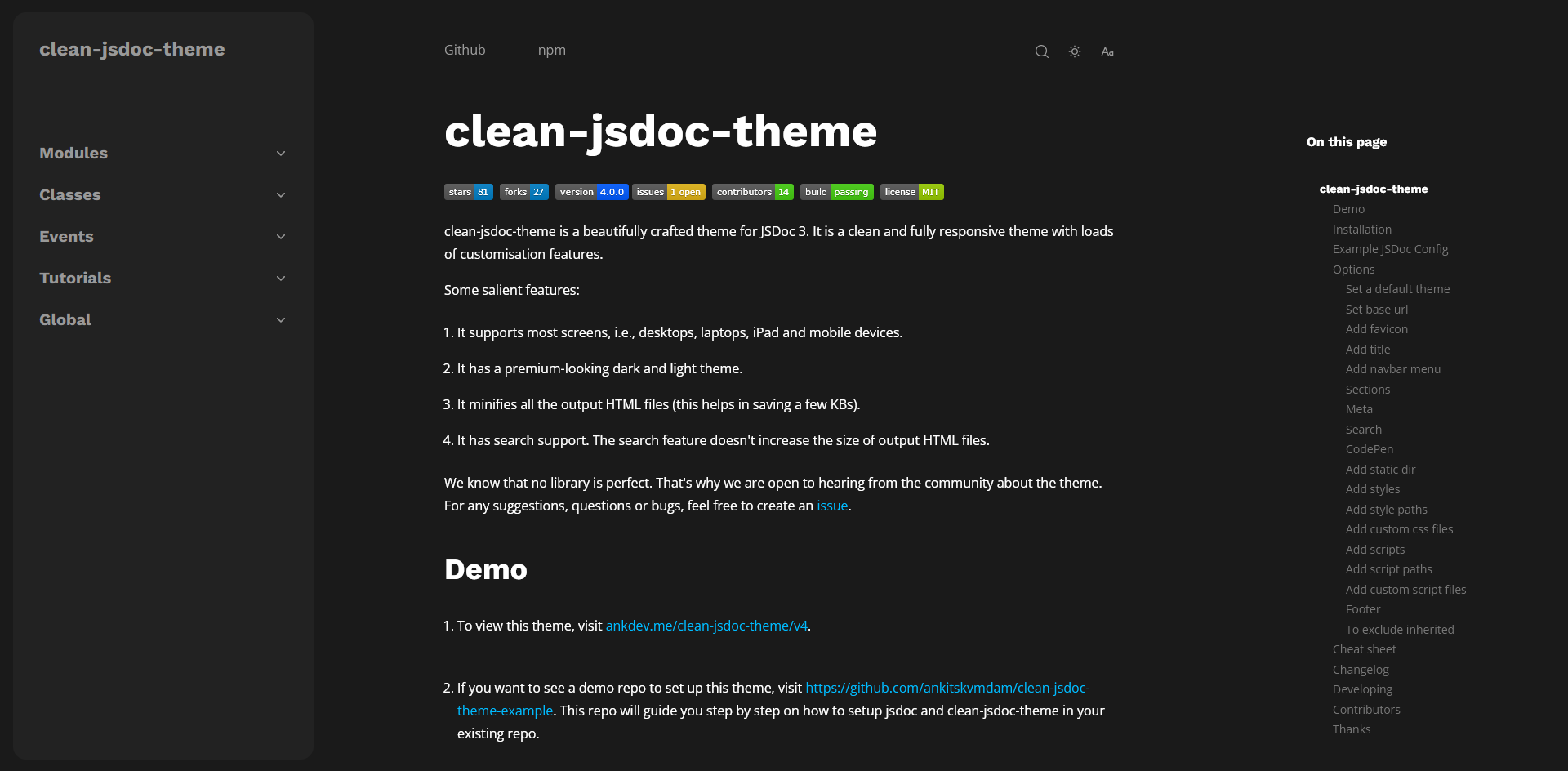
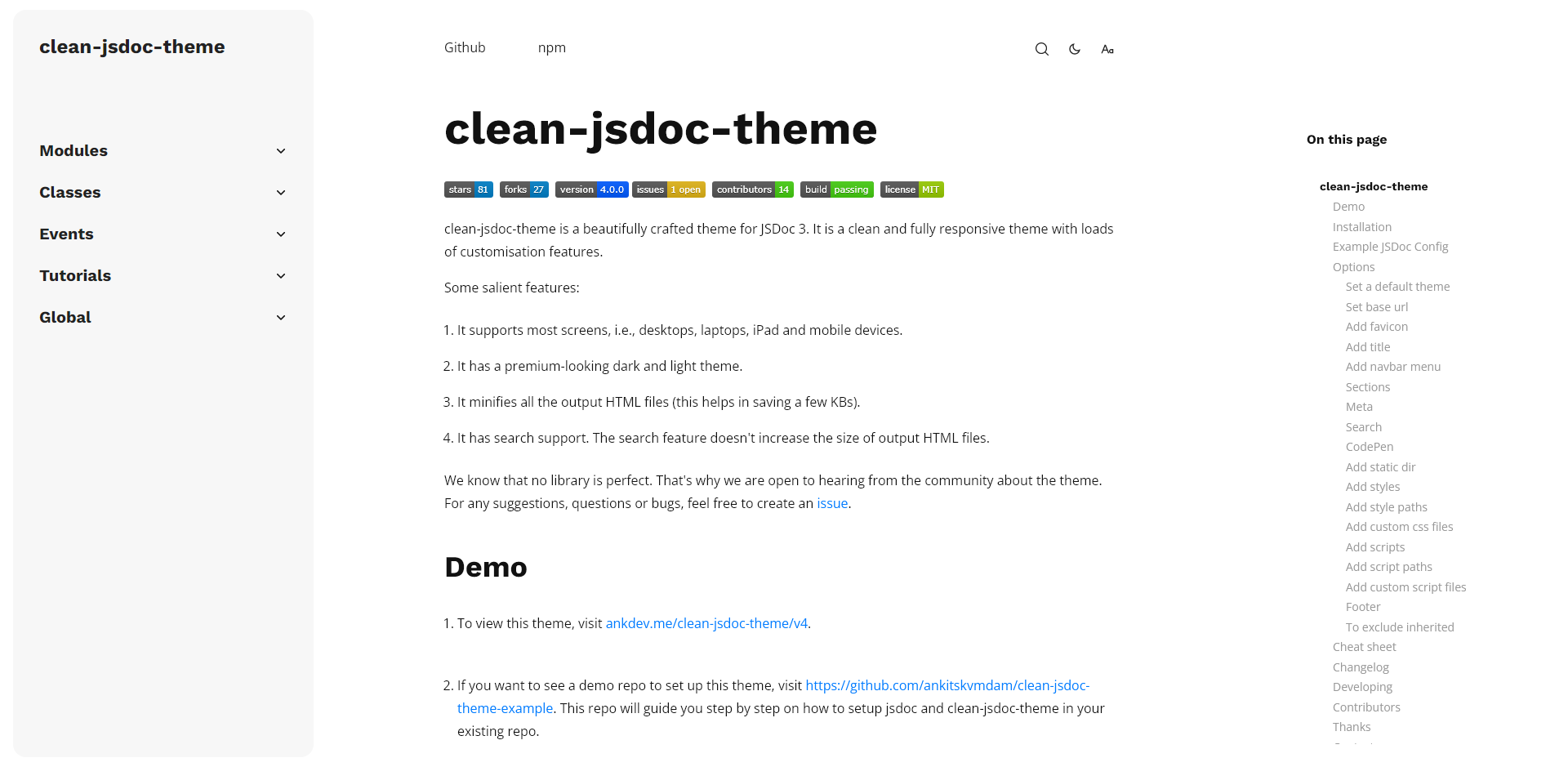
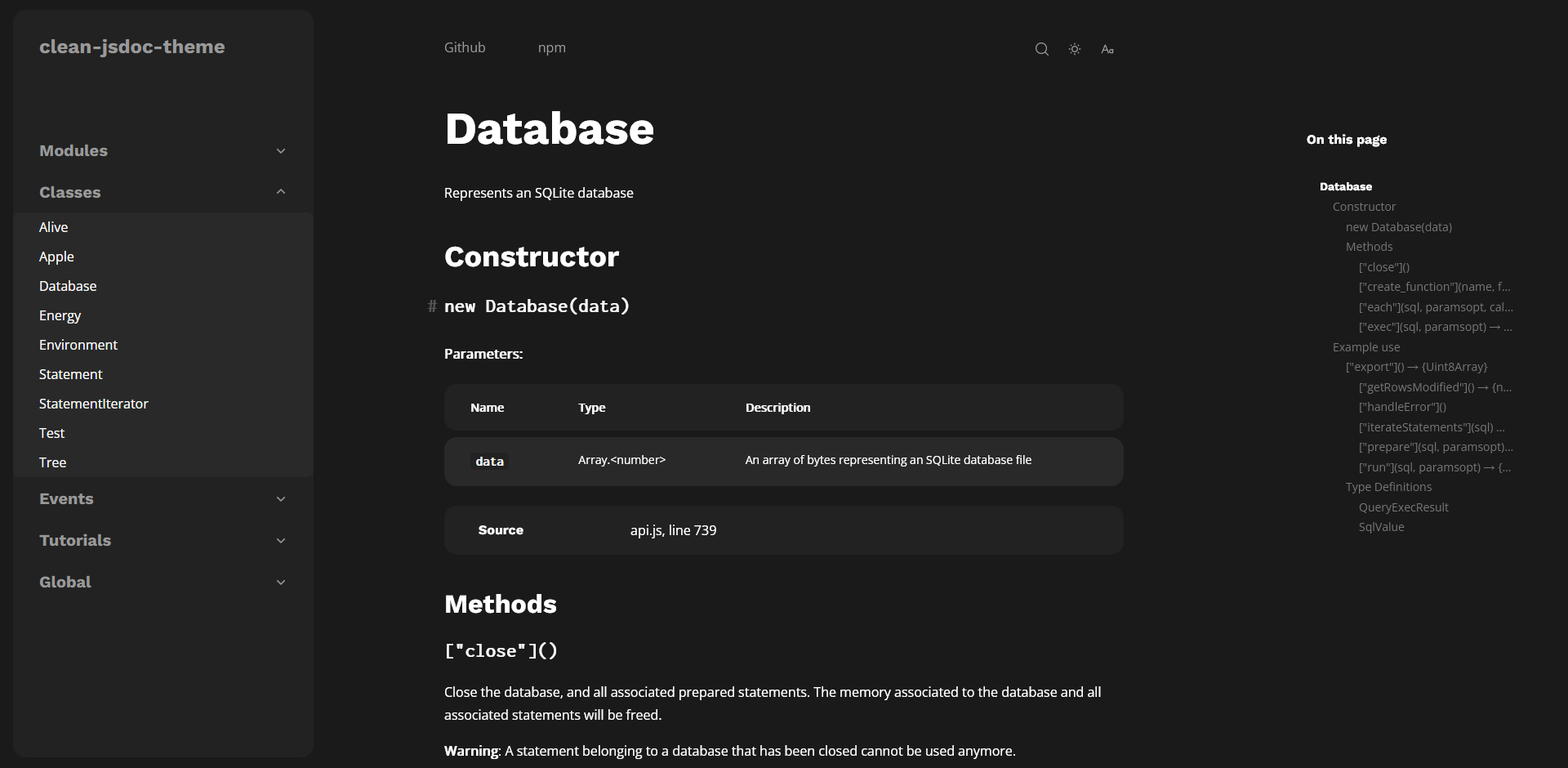
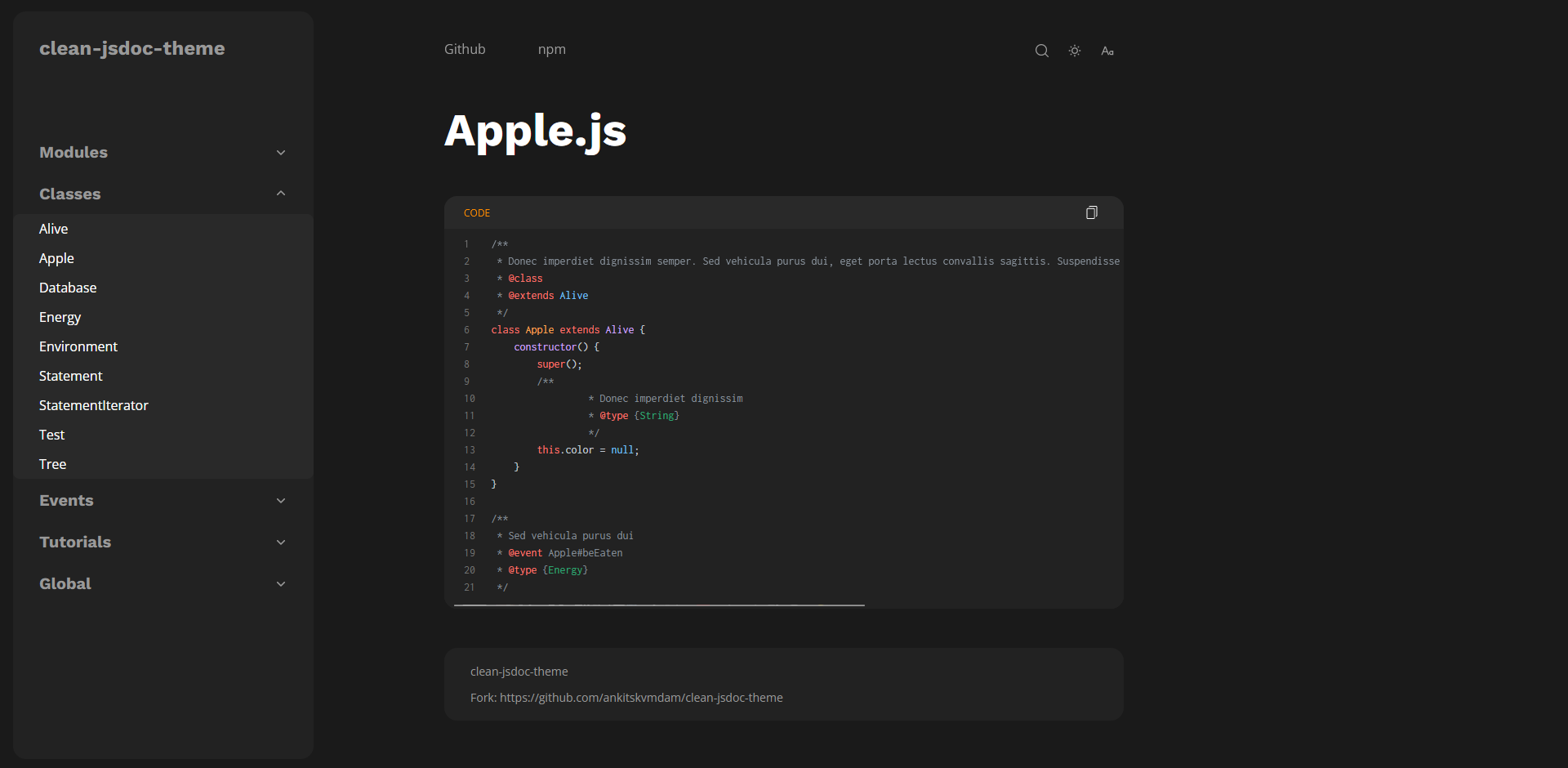
A beautifully crafted theme/template for JSDoc 3. This theme/template looks and feels like a premium theme/template. This is a fully mobile responsive theme and also fully customizable theme.
Usage no npm install needed!
<script type="module">
  import cleanJsdocTheme from 'https://cdn.skypack.dev/clean-jsdoc-theme';
</script>
README
clean-jsdoc-theme
A beautiful, responsive, customizable theme for JSDoc
Clean-jsdoc-theme is a beautifully crafted theme/template for JSDoc 3. This theme/template looks and feels like a premium theme/template as it's mobile responsive and also highly customizable. For more options look below at the options section.
For any suggestions, questions or bugs, feel free to create an issue in this repo.
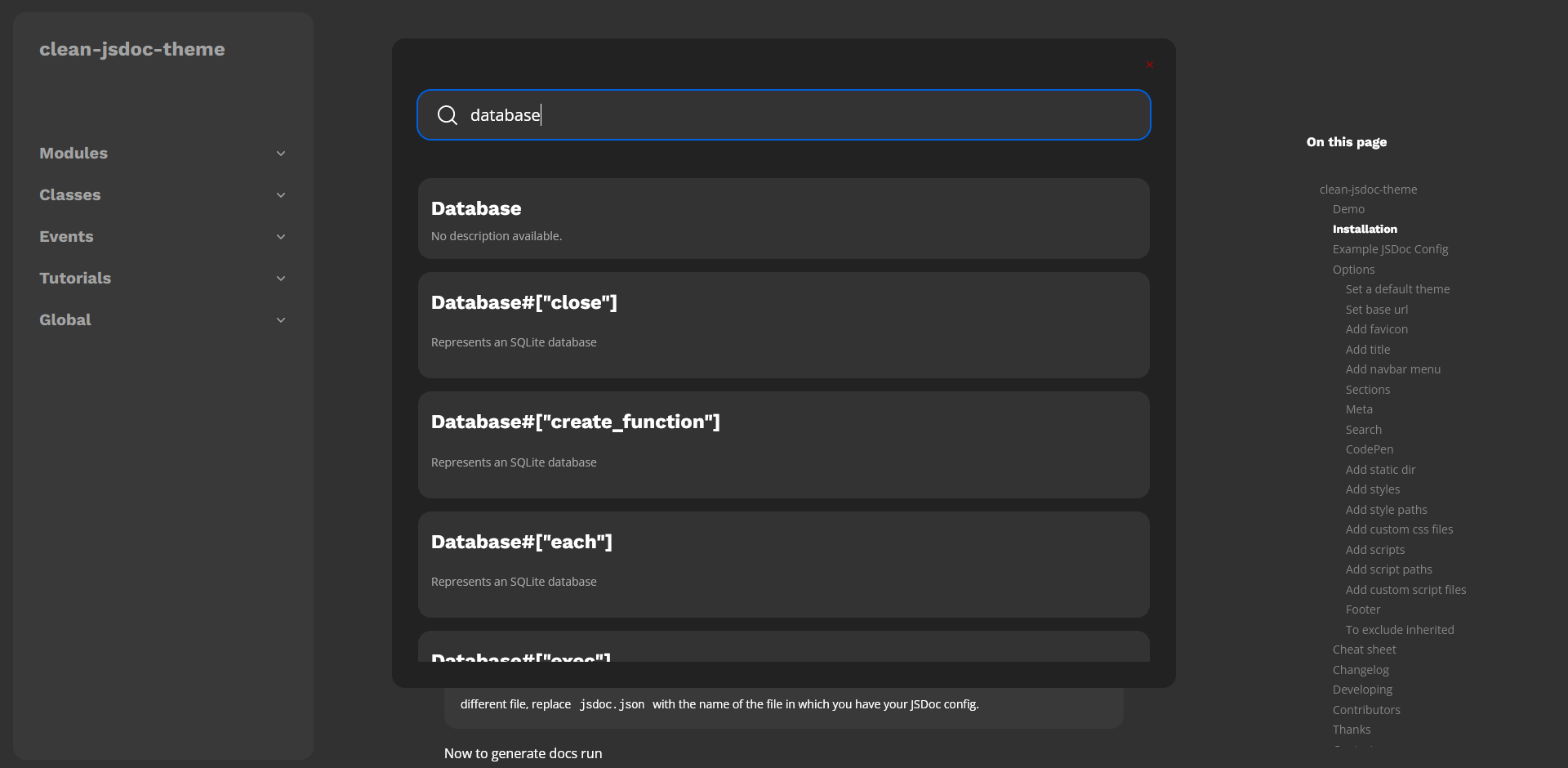
Fuse.js - Fuse.js is a powerful, lightweight fuzzy-search library, with zero dependencies.
Overlay Scrollbars - A javascript scrollbar plugin which hides native scrollbars, provides
custom styleable overlay scrollbars and keeps the native functionality and feeling of native scrollbars.
Motivation
When I was new to JavaScript documentation and JSDoc, it was hard for me to find a theme for JSDoc which was highly customizable or regularly maintained. Features that these lacked included responsiveness, a working search bar, and customization.
To tackle these problems I created this project, an easy to use, responsive theme for JSDoc. I am actively working on this project and I try to make changes to the project frequently to make sure it's up to date.
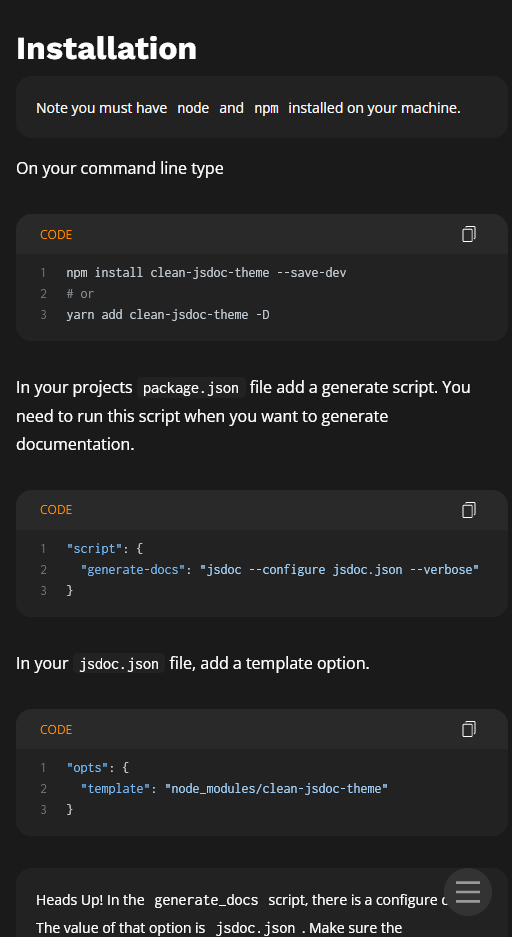
Installation
Note you must have npm installed on your machine.
On your command line type
npm install clean-jsdoc-theme
In your projects package.json file add a generate script
To use custom options (such as light and dark modes), pass an object called theme_opts in your config file under opts.
theme : "light" | "dark"
To set the overall theme of the documentation file(s). Currently there is only two variant "light" and "dark" but in future I will try to add more.
Default value is "light"
favicon: string
This option sets the favicon of the document. It accepts strings defining the path of the icon.
"favion": "path/to/img"
You can use static_dir to copy all you static files to output dir and use that path in place of path/to/img. For more details look static_dir section.
title: string | HTML
This option sets the title of the document in the navbar. Both strings and HTML are accepted; use HTML to overwrite the default HTML, and a string to set a plaintext title. One example of this is below:
You can use static_dir to copy all you static files to output dir and use that path in place of path/to/img. For more details look static_dir section.
menu: Array<{}>
This options allows rendering of extra link(s) in navbar to the side of the documentation. It accepts an array of objects, such as in the following example example:
This will make certain element in DOM resizeable. Currently we only support navbar to be resizeable. By default navbar is not resizeable. To make navbar resizeable you have to do the following:
Don't include any unit. Also, units of max and min is inferred in px.
Note: Navbar is not resizeable on mobile/small screens.
If you don't want to give min and max value and want to use the default values then pass empty object.
"resizeable": {
  "navbar": {}
}
If you didn't pass any thing in navbar then navbar is not resizeable.
codepen: {}
This will add a link to the codepen with prefilled data.
Note: Currently this feature is only enabled for examples section.