README

Desktop controller
Demo - click the image to try it
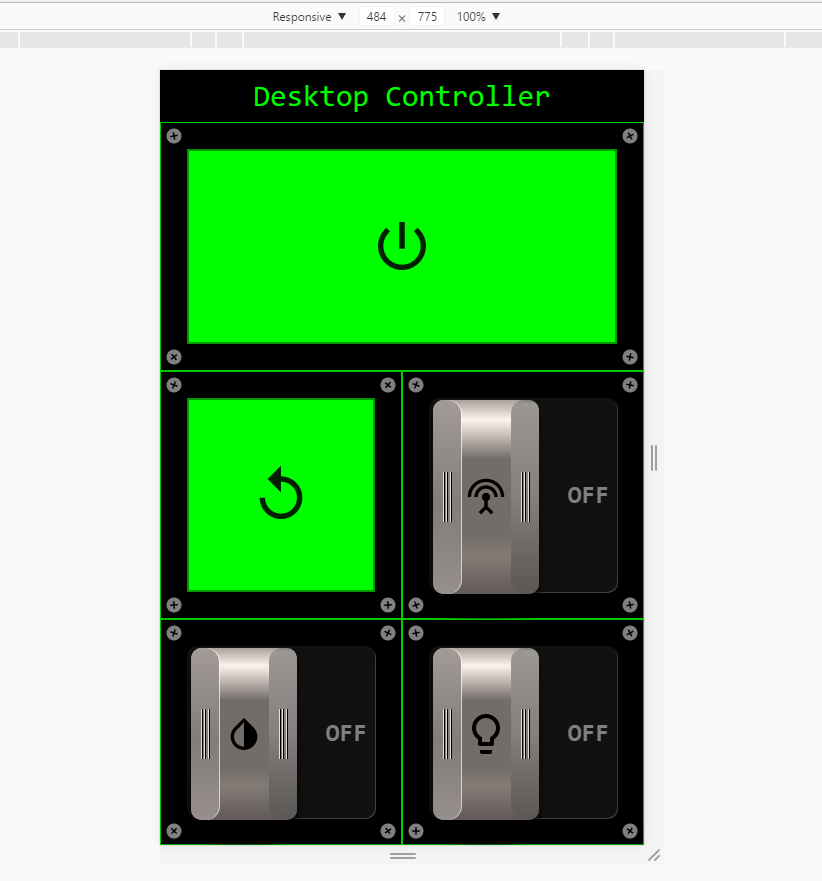
Installation
- Install NodeJS on your raspberry.
- install the application by running
sudo npm install -g desktop-controllerorsudo yarn global add desktop-controllerif you use yarn.
Usage
to run the server simply run sudo desktop-controller [options].
Here are the options -
| Flag | Is required | Default | Description |
|---|---|---|---|
-power |
:heavy_multiplication_x: | Gpio pin number for power relay. | |
-reset |
:heavy_multiplication_x: | Gpio pin number for reset relay. | |
-wifi |
:heavy_multiplication_x: | Gpio pin number for wifi relay. | |
-uv |
:heavy_multiplication_x: | Gpio pin number for uv light relay. | |
-led |
:heavy_multiplication_x: | Gpio pin numbers (seperated by ,, for example -led 4,5,6) for led mosfets. |
|
-m |
:heavy_multiplication_x: | Use this flag if you want to mock gpio calls (won't actually do anything other than logs). | |
-primary-color |
:heavy_multiplication_x: | #000 (black) |
Change primary color of the application (can be text, hex or rgb). |
-secondary-color |
:heavy_multiplication_x: | #0F0 (green) |
Change secondary color of the application (can be text, hex or rgb). |