README
Stay tuned.
Achieve this natively in Electron on Windows 10 version 1803 and up:
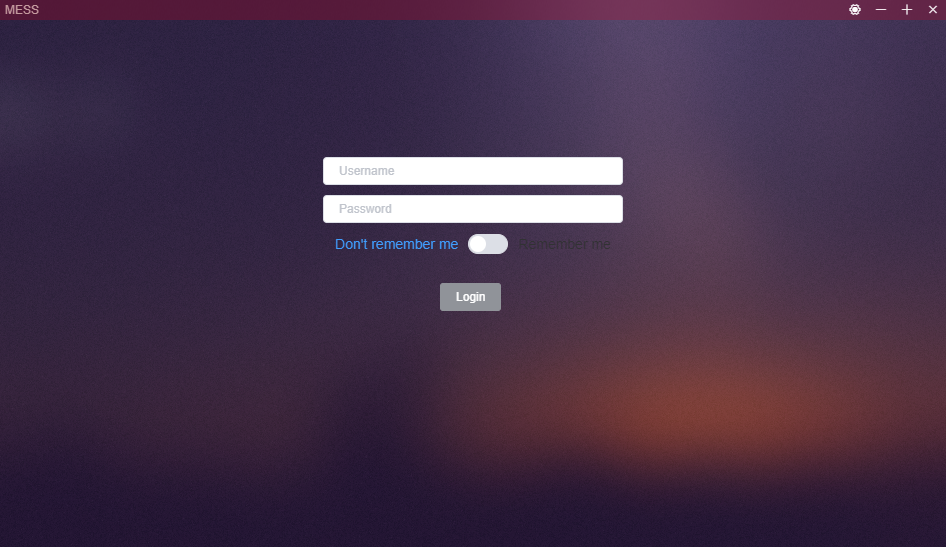
The module is out, you can install it and require() it from your electron app.
npm i electron-acrylic
API
setAcrylic(window, tint) - Applies the acrylic background to the window.
removeAcrylic(window) - Removes the acrylic background of the window.
Example:
const { app, BrowserWindow } = require('electron');
const electronAcrylic = require('electron-acrylic');

const mousetrap = require('mousetrap');

app.on('ready', () => {
    mainWindow = new BrowserWindow({
        height: 500,
        width: 800,
        transparent: true,
        frame: false
    });
    mainWindow.loadURL('file://' + __dirname + '/index.html');

    // registering shortcuts
    mousetrap.bind('ctrl+a', () => {
        electronAcrylic.setAcrylic(mainWindow, 0xFFFFFF);
    });
    mousetrap.bind('ctrl+d', () => {
        electronAcrylic.removeAcrylic(mainWindow);
    })
});
Here you can use the shortcuts Ctrl+A/D to enable or disable the acrylic effect.
Note
removeAcrylic(window)has no effect right now, this is a WIP.
Known Issues
I encourage you to look here before opening an inssue.
- When hoverig over the
Xbutton in the example app, top right corner, sometimes half of the window, horizontally, gets the:hovereffect. Don't know why. - Sometimes this happens too
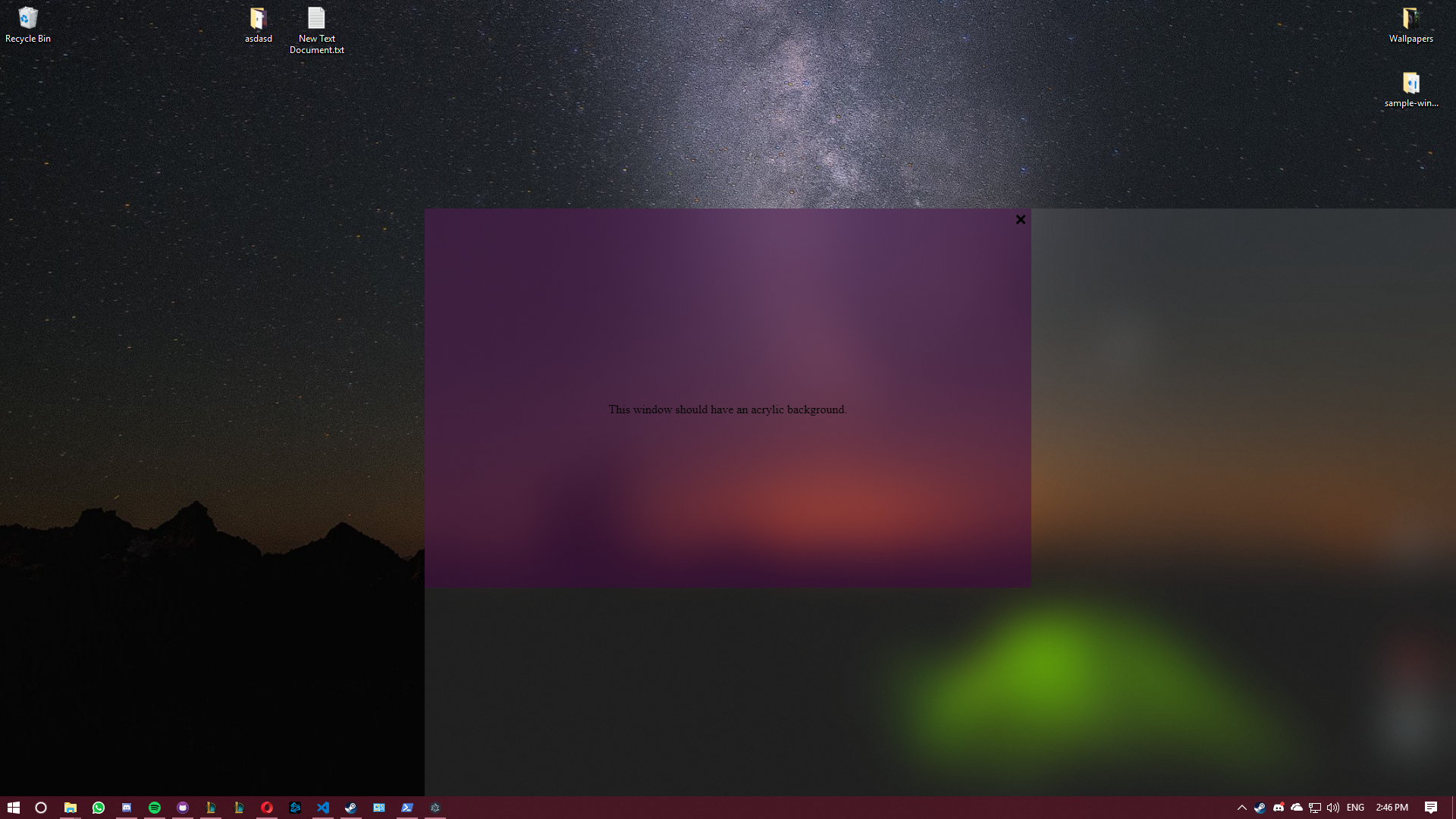
These can be "fixed" by restarting the app.
License
See LICENSE.