README
Vue Error Component
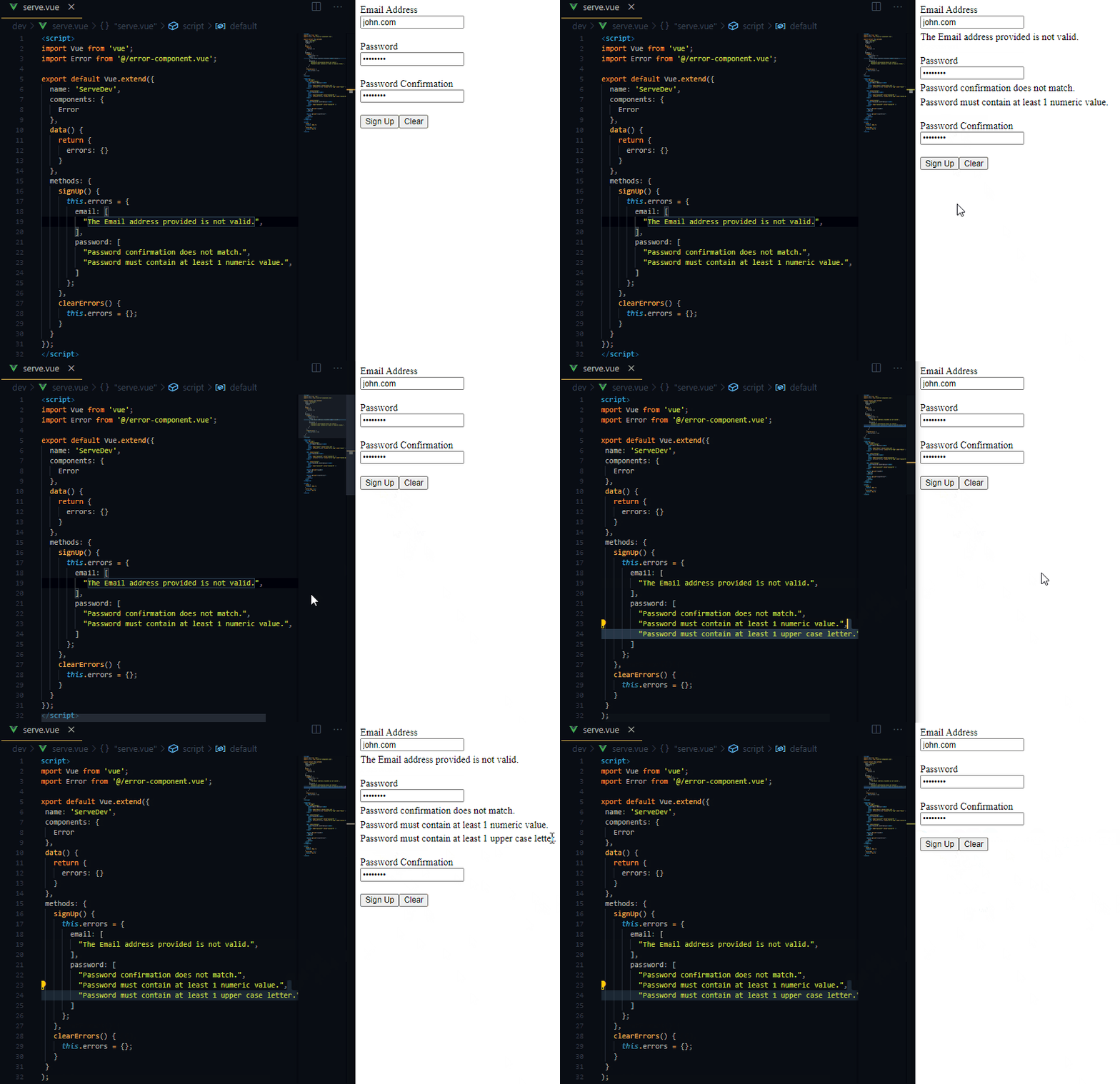
An easy to use Laravel validation component for Vuejs.
Install
To get started with error-component, you first need to install it:
npm i error-component --save
Usage
Import Component
To start using error-component, you need to import and register it:
import { Error } from 'error-component';

export default Vue.extend({
  components: {
    Error
  },
  data() {
    return {
      form: {
        email: '',
        password: '',
      },
      errors: {},
    };
  },
  ...
Set errors
To set errors, you'll need to catch them then populate the errors object:
axios
  .post('/login', this.form)
  .then(() => {
    this.errors = {};
  })
  .catch((error) => {
    if (error?.response?.data?.errors !== undefined) {
      this.errors = error.response.data.errors;
    }
  });
Alternatively, you can use the getErrors helper method:
import { Error, getErrors } from 'error-component';

...
axios
  .post('/login', this.form)
  .then(() => {
    this.errors = {};
  })
  .catch((error) => {
    this.errors = getErrors(error);
  });
And finally start using the tag:
<error :errors="errors" name="email" />
Help
| Prop | Type | Description |
|---|---|---|
errors |
Object |
Laravel validation response. |
name |
String |
The attribute name. |
limit |
Number |
The maximum errors to display |
Security
If you discover any security related issues, please email donaldpakkies@gmail.com instead of using the issue tracker.
License
The MIT License (MIT). Please see License File for more information.