Flickgame Updater
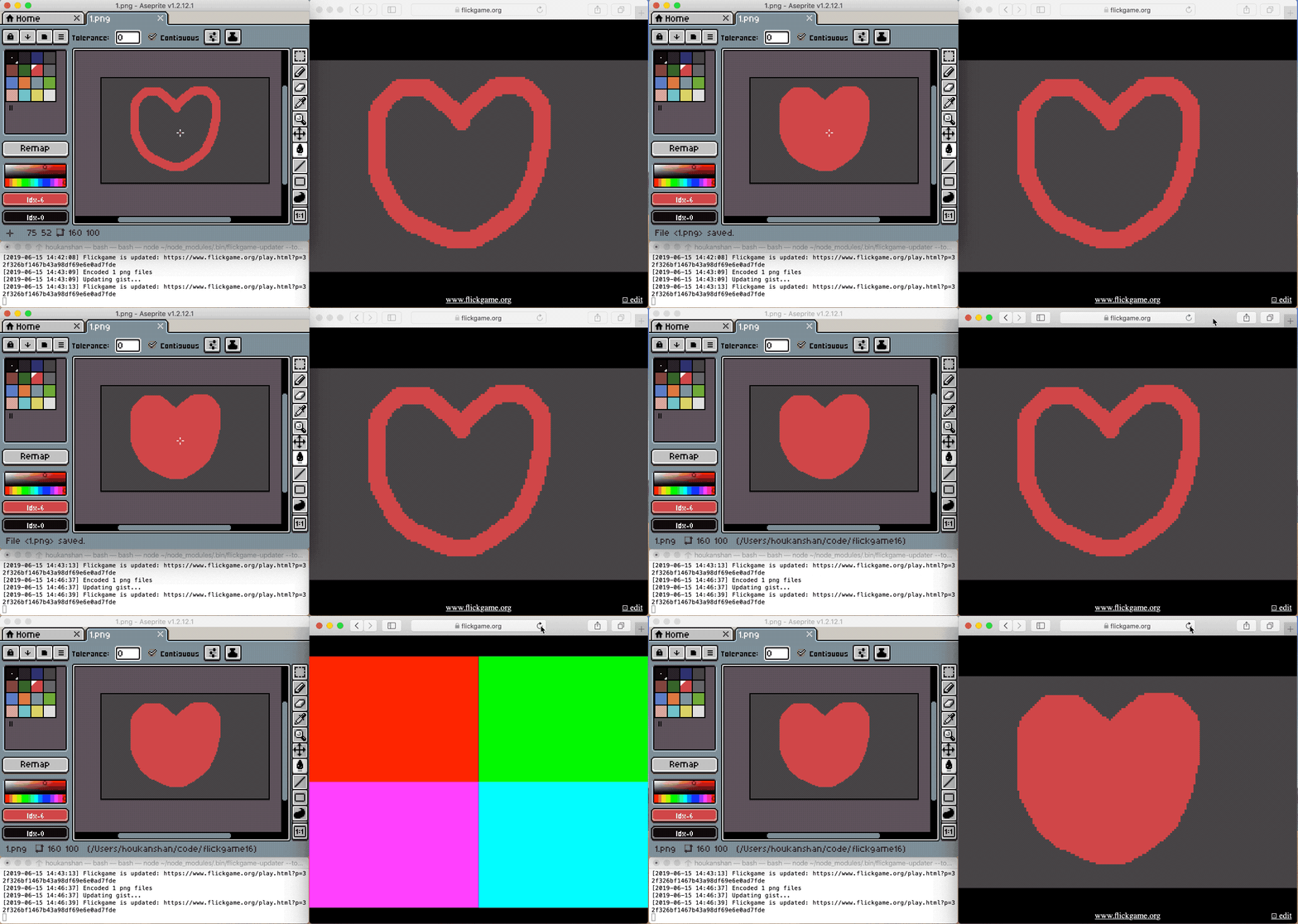
Install
- Install NodeJS
- Install
flickgame-updater through npm
npm install -g flickgame-updater
Usage
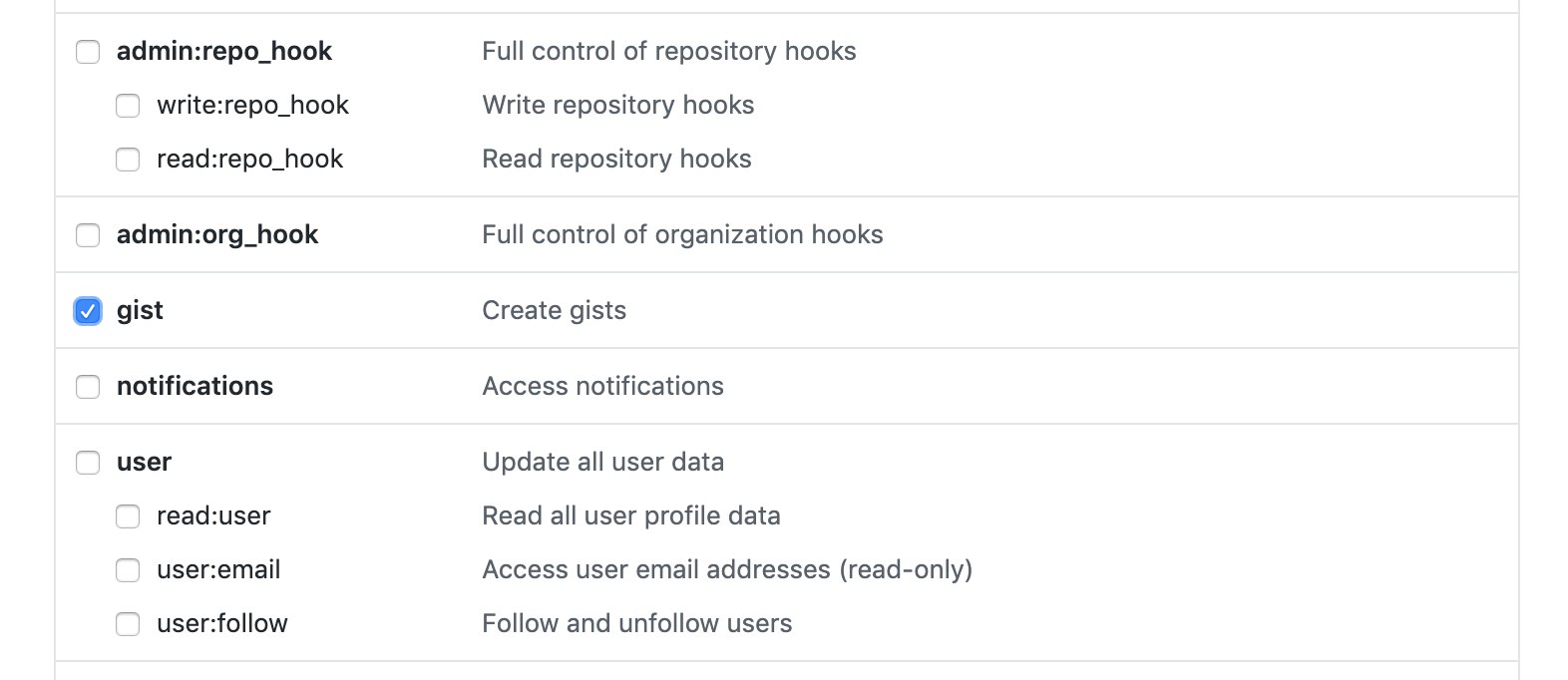
- Generate a GitHub personal access token: https://github.com/settings/tokens/new
- Run
flickgame-updater as watch mode:
cd <your_png_files_folder>
flickgame-updater --token <github_token> --watch
- Create a 160x100 image in Aseprite or anything you like.
- Import palette.ase as palette.
- Save your images as
1.png 2.png ...
- Still, you have to add hyperlinks through the online flickgame editor.