README
glip-personal-bot-skill-time
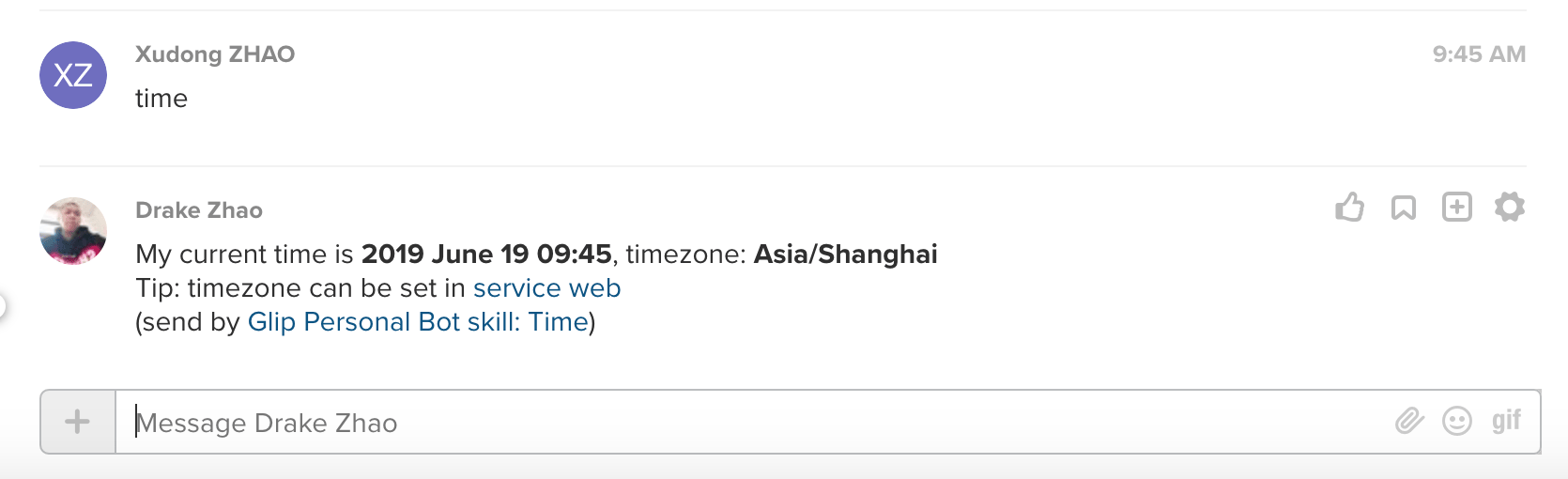
Simple time bot skill for ringcentral-personal-chatbot-js Respond to "time" command with user's time and timezone that can be set service web.
Quick start
Let's start a simple chatbot server and login to it with you sandbox glip account, and you account will auto respond to keywords set by you.
# get the code
git clone git@github.com:rc-personal-bot-framework/glip-personal-bot-skill-time.git
cd glip-personal-bot-skill-time

# install dependecies
npm i
npm i --no-save ringcentral-personal-chatbot

# start proxy server, this will make your local bot server can be accessed by RingCentral service
npm run ngrok

# will show
Forwarding                    https://xxxx.ap.ngrok.io -> localhost:6066
# Remember the https://xxxx.ap.ngrok.io, we will use it later
Login to developer.ringcentral.com and create Web-based App:
- Application Type: Public
- Platform Type: Browser-based
- Carrier: accept the default values
- Permissions Needed: Accounts, Contacts, Glip, Glip Internal, Read Accounts, Read Client Info, Read Messages, Read Contacts, Read Presence, Webhook Subscriptions
- Set OAuth Redirect URI: Using your ngrok HTTPS URL from above, enter in the following value:
https://xxxx.ap.ngrok.io/rc/oauth.
cp .env.sample .env
# then fill all required fields in .env, you can get client ID / secret from app setting

# run sample hello bot
npm start
Then visit https://xxxx.ap.ngrok.io to login, after auth, you can set Bot skill: FAQ's keywords and answers from its setting page. Then try the keywords with another account.
How to use a bot skill
https://github.com/rc-personal-bot-framework/ringcentral-personal-chatbot-js/blob/master/docs/write-use-a-skill.md
Real bot using this skill
https://github.com/rc-personal-bot-framework/ringcentral-personal-bot-template-js
License
MIT