README
Mongoose Management Tool
Table of Contents
Features
- Manage collections for multiple databases
- Manage your schemas via CLI
- Create columns and indexes
- Generate models with full TypeScript support
Installation
npm install --global mongoose-management
Introduction
In your project folder you start the application and follow the menu items.
mongoose-management
The example folder contains an example project. With the following command the mongoose-management can be started in the context of the example project.
mongoose-management -p path/to/example/folder
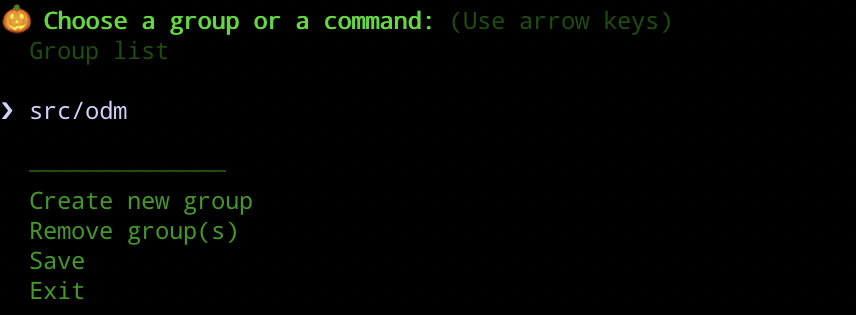
Overview of collections groups
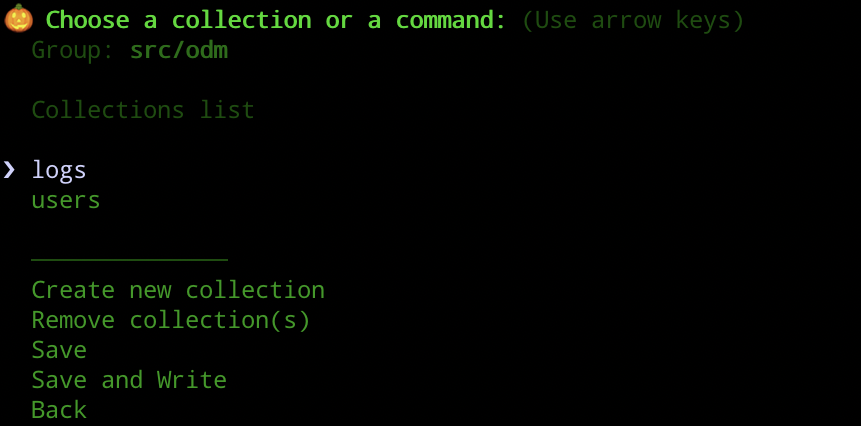
Overview of collections
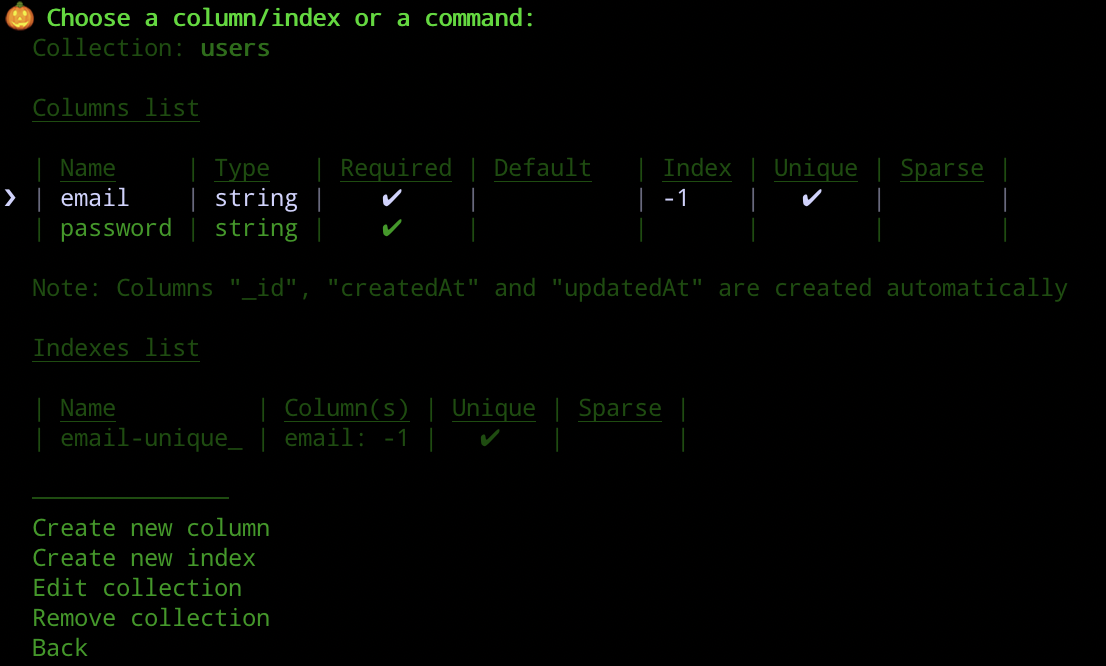
Overview of columns and indexes
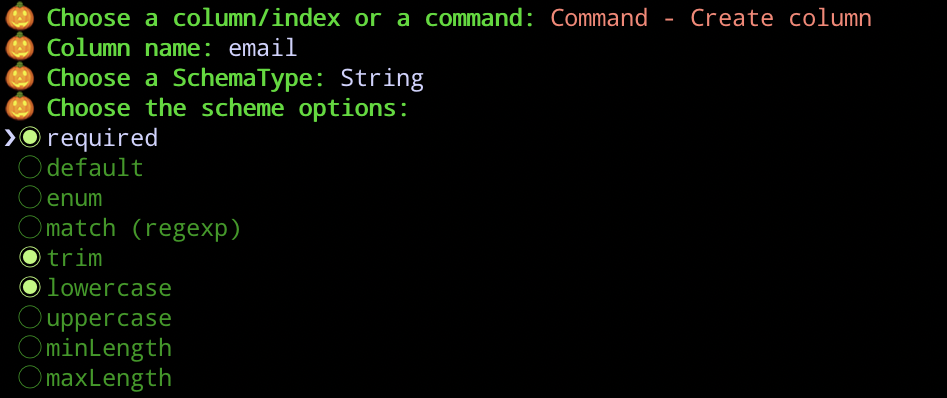
Creating a column
Building
Compile the application from TypeScript to JavaScript.
The following command is available:
npm run buildBuilds the application
Tests
The following commands are available:
| Command | Description |
|---|---|
npm run test |
Run all tests |
npm run test:watch |
Watching mode from test |
npm run test:coverage |
Creates a coverage report |
Prettier and Lint
Ensures that the code is formatted uniformly and that the coding standards are adhered to.
The following commands are available:
npm run prettierChanges the code formatting as defined in the Prettier setting.
npm run lintChecks if the lint rules are followed. It calls the prettier command first.