README
ng-otp-input
A fully customizable, one-time password input component for the web built with Angular.
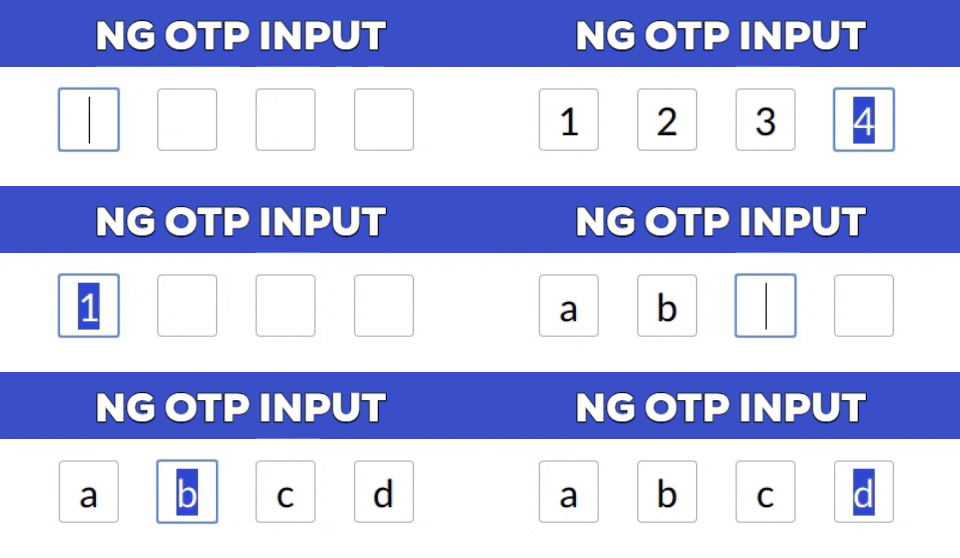
Installation
npm install --save ng-otp-input
Usage
Add NgOtpInputModule to imports app.module.ts something like
import { BrowserModule } from  '@angular/platform-browser';
import { NgModule } from  '@angular/core';
import { AppComponent } from  './app.component';
import { NgOtpInputModule } from  'ng-otp-input';

    @NgModule({
    declarations: [AppComponent],
    imports: [ BrowserModule,
    NgOtpInputModule],
    bootstrap: [AppComponent]
    })
Add component to your page:
<ng-otp-input (onInputChange)="onOtpChange($event)" [config]="{length:5}"></ng-otp-input>
API
| Name | Type | Required | default | Description |
|---|---|---|---|---|
| config | object | true | {length:4} | various configuration options to customize the component |
| onOtpChange | function | true | -- | Function that will receive the otp |
Config options
| Name | Type | Required | default | Description |
|---|---|---|---|---|
| length | number | true | 4 | Number of OTP inputs to be rendered. |
| inputStyles | object | false | -- | Style applied to each input.Check [ngStyles](https://angular.io/api/common/NgStyle) for more info. |
| inputClass | string | false | -- | Class applied to each input. |
| containerClass | string | false | -- | Class applied to container element. |
| containerStyles | object | false | -- | Style applied to container element.Check [ngStyles](https://angular.io/api/common/NgStyle) for more info. |
| allowNumbersOnly | bool | false | -- | set true to allow only numbers as input | allowKeyCodes | string[] | false | -- | By default numbers alphabets and _ - are allowed.Y ou can define other key codes if needed. |
| isPasswordInput | bool | false | -- | set true for password type input |
| disableAutoFocus | bool | false | -- | First input will be auto focused on component load enable this flag to prevent this behaviour |
Contributing
Feel free to open issues and pull requests!
License
MIT