README
NativeScript tool bar plugin
A plugin for using your tool bars in iOS part of your native script app.
Installation
Run the following command from the root of your project:
$ tns plugin add nativescript-toolbar
This command automatically installs the necessary files, as well as stores nativescript-toolbar as a dependency in your project's package.json file.
Modal screens.
Toolbar can help with working around an issue with pages not having an actionbar on iOS when the page is presented as a modal. There is a barPosition property which can be set to 3 i.e. UIBarPositionTopAttached to make the toolbar look like an action bar for your modal pages.
<Page xmlns="http://schemas.nativescript.org/tns.xsd"
    xmlns:tools="nativescript-toolbar">
  <DockLayout stretchLastChild="false">
    <tools:ToolBar dock="top" style="margin-bottom:0.5" barPosition="3">
        <tools.ToolBar.barItems>
            <tools:ToolBarItem text="Done"/>
        </tools.ToolBar.barItems>
    </tools:ToolBar>
  </DockLayout>
</Page>
Examples
The code below creates a tool bar in xml with tint color for buttons as green and the background as blue.
<!-- my-page.xml -->
<Page xmlns="http://schemas.nativescript.org/tns.xsd"
    xmlns:tools="nativescript-toolbar">
  <StackLayout style="vertical-align : bottom">
    <tools:ToolBar style="background-color : blue; color: green">
        <tools.ToolBar.barItems>
            <tools:ToolBarItem text="Done"/>
        </tools.ToolBar.barItems>
    </tools:ToolBar>
  </StackLayout>
</Page>
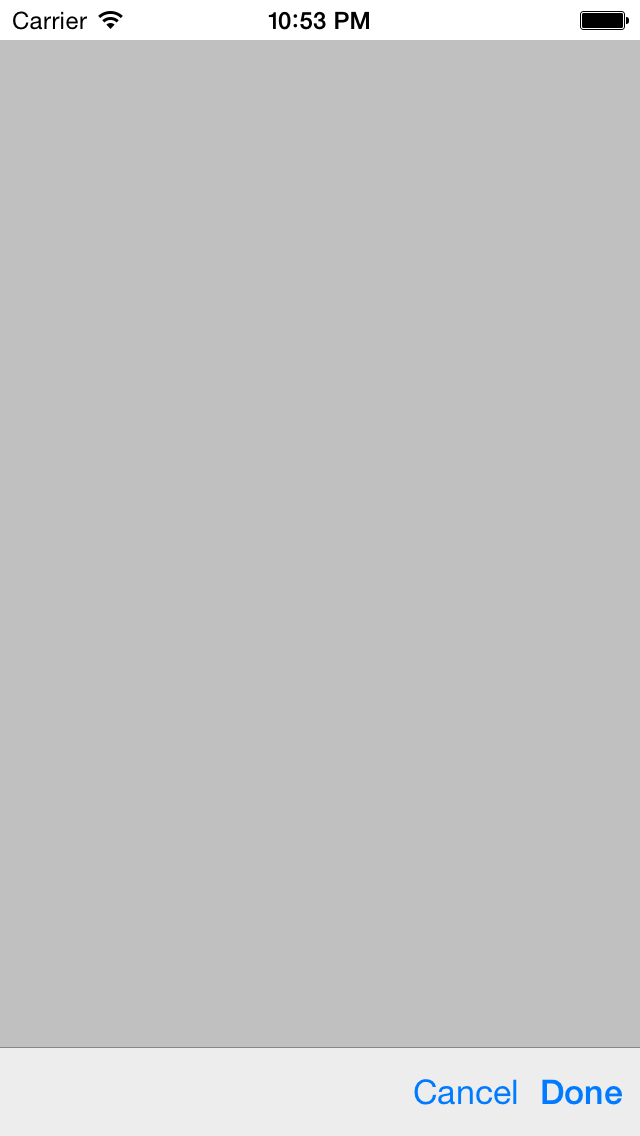
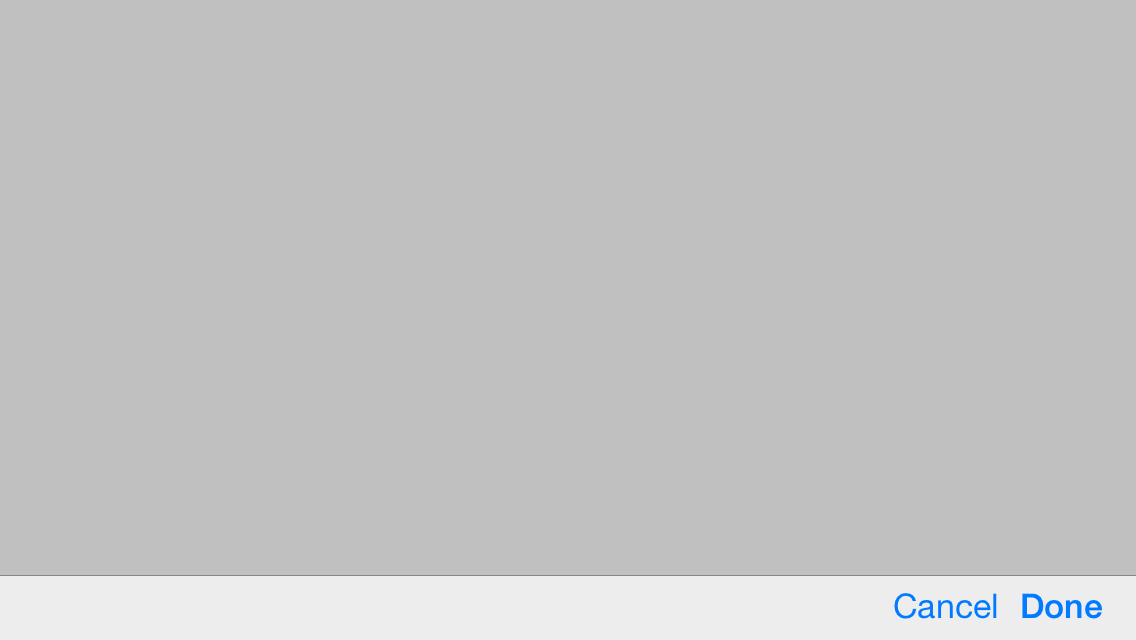
The code below creates a tool bar in xml using ios system bar button items.
The value should be a number from the UIBarButtonSystemItem enumeration
<Page xmlns="http://schemas.nativescript.org/tns.xsd"
    xmlns:tools="nativescript-toolbar">
  <StackLayout style="vertical-align : bottom">
    <tools:ToolBar>
            <tools:ToolBar.barItems>
                <tools:ToolBarItem ios.systemIcon="5"/><!-- Flexible space item-->
                <tools:ToolBarItem ios.systemIcon="1"/> <!-- Cancel button -->
                <tools:ToolBarItem ios.systemIcon="0" tap="onDoneButtonTapped"/> <!-- Done button -->
            </tools:ToolBar.barItems>
        </tools:ToolBar>
  </StackLayout>
</Page>
NPM publish
Clone this repository and install typescript plugin globally. Use the typescript compiler to convert to ts files javascript
$ tsc
Make sure js files are updated with your changes
npm publish .