README
Form Helper, for Angular application (for version 7 or over)
This is a simple mask lib with two single directives: a directive to allow field data entry from being just characters mapped by a regular expression and a directive to mask values, it works exclusively for numeric values.



Overview
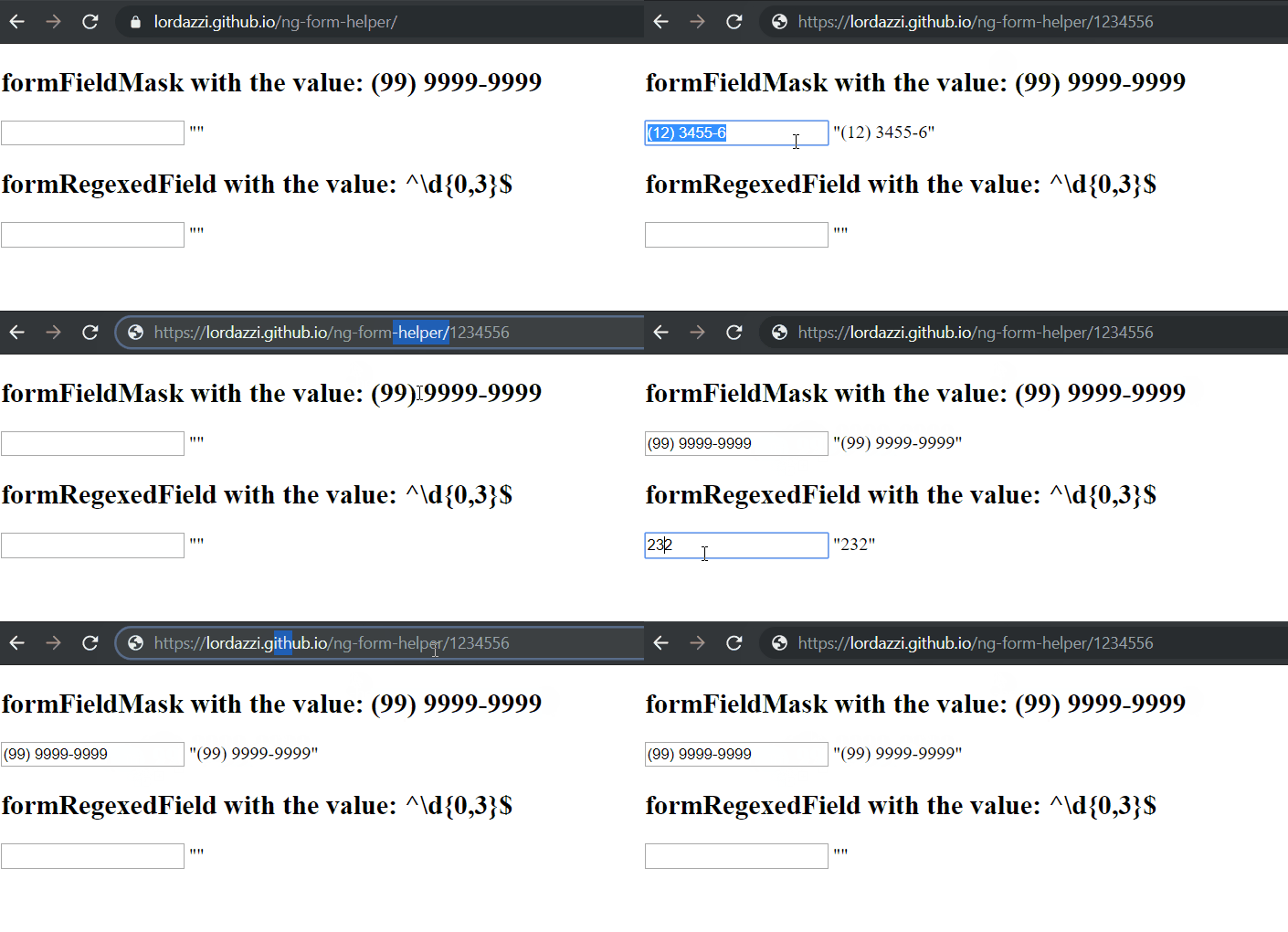 https://lordazzi.github.io/ng-form-helper/
Installation
First execute the following command in the root folder of your angular application:
npm install ng-form-helper@latest --save
Then, you must import the library main module in your app.module, like this:
import { NgModule } from '@angular/core';
import { FormsModule } from '@angular/forms';
import { BrowserModule } from '@angular/platform-browser';
import { FormHelperModule } from 'projects/ng-form-helper/src/public-api';
import { AppComponent } from './app.component';


@NgModule({
  declarations: [
    AppComponent
  ],
  imports: [
    BrowserModule,
    FormsModule,
    FormHelperModule
  ],
  bootstrap: [
    AppComponent
  ]
})
export class AppModule { }
Usage
The masked field:
  <input
    type="text"
    formFieldMask="(99) 9999-9999"
    [(ngModel)]="masked"
  />
- Each 9 represents a number.
- The mask must finish with a nine.
- You should not put any number in the mask but nine, all other charactere are allowed.
- The library have not a mask for date but you can create your own using the mask 99/99/9999 and using angular validators to valid the given date.
The regexed field:
<input
  type="number"
  formRegexedField="^\d{0,5}