README

Ng-Jalali-Calendar
Jalali calendar for Angular4+ applications
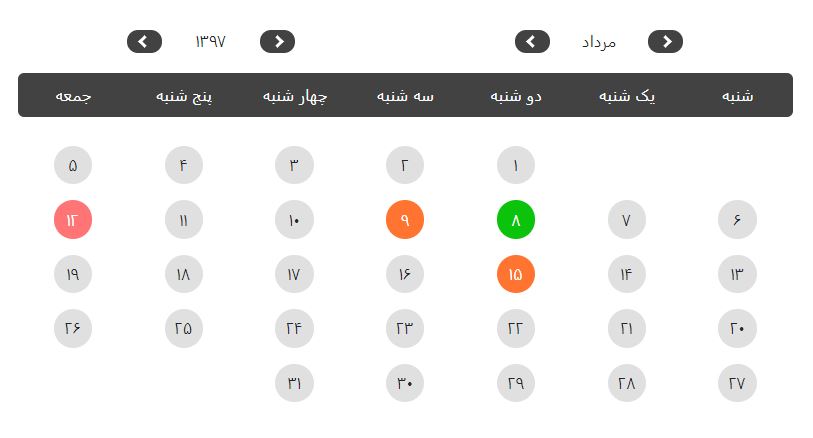
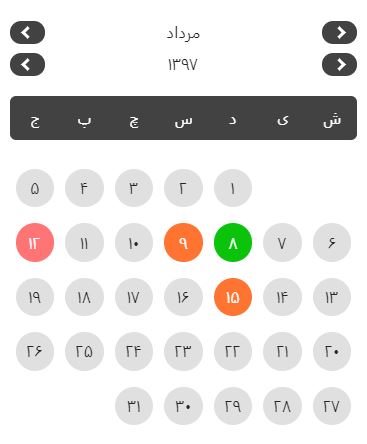
Table of contents
Installation
npm install --save ng-jalali-calendar
Usage
Import NgJalaliCalendarModule in your module
import { NgModule } from '@angular/core';
import { NgJalaliCalendarModule } from 'ng-jalali-calendar'

@NgModule({
  imports: [ NgJalaliCalendarModule ]
})
export class YourModule { }
afterward, add the ng-jalali-component tag into the component where you want to use the calendar :
<ng-jalali-calendar></ng-jalali-calendar>
API
Inputs:
| Input | Type | Description |
|---|---|---|
| selectedDates | String[] | dates that you want to be selected on the calendar |
Events:
| Output | $event | Description |
|---|---|---|
| dateSelected | String | emitted when selecting a date |
the module works with dates in
YYYY/MM/DDformat
Example
import { Component, OnInit } from '@angular/core';


@Component({
    selector : 'app-example',
    templateUrl: './example.component.html',
    styleUrls : [ './example.component.css' ]
})
export class ExampleComponent implements OnInit {
    selectedDate: string = '';
    selectedDates: string[] = [
    '1397/5/22',
    '1397/12/1'
    '1397/01/5'
    ];

    constructor () {}

    ngOnInit () {
    }

    onSelectDate(event: string) {
        this.selectedDate = event;
    }
}
<ng-jalali-calendar
    (dateSelected)="onSelectDate($event)"
    [selectedDates]="selectedDates"></ng-jalali-calendar>