README
ofd.js
在使用ofd.js前请务必悉知 《ofd.js免责声明》


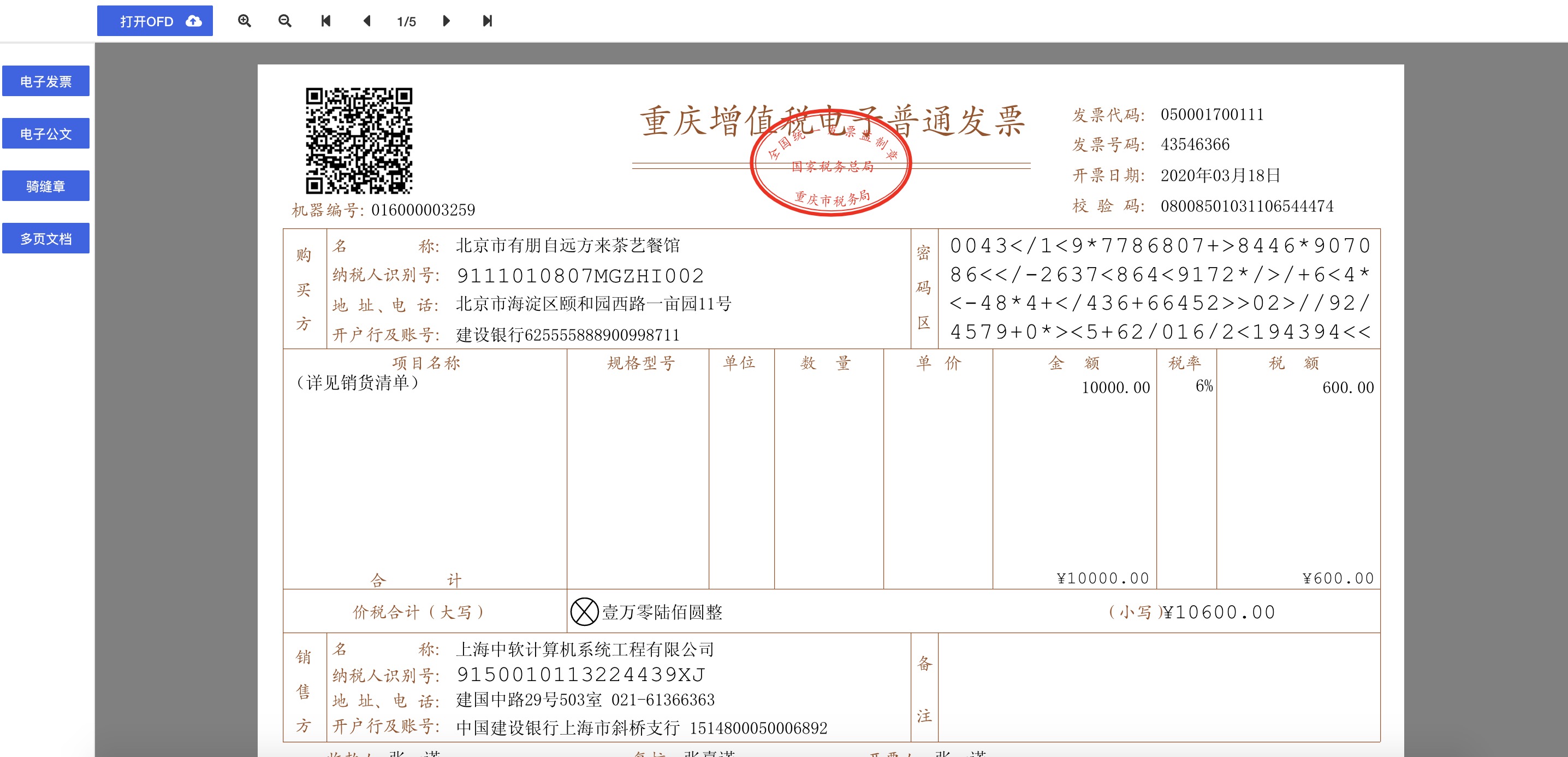
目前方案采用:svg及canvas渲染实现,百分百纯前端渲染
效果:
Usage with npm
npm i ofd.js
import {parseOfdDocument, renderOfd} from "ofd.js";
其中ofd传入的file支持本地文件、二进制或者url、screenWidth为屏幕宽度
parseOfdDocument({
        ofd: file,
        success(res) {
          //输出ofd每页的div
          const divs = renderOfd(screenWidth, res);
          //获取签章div的信息, 具体看demo
          for(let ele of document.getElementsByName('seal_img_div')) {
             this.addEventOnSealDiv(ele, JSON.parse(ele.dataset.sesSignature), JSON.parse(ele.dataset.signedInfo));
          }
        },
        fail(error) {
          console.log(error)
        }
      });
服务接口
OFD转PDF
URL:http://donal-tong.ticp.io/api/ofd/convertPdf
请求方式:POST
报文格式:Content-Type: application/json
请求参数:
| 参数 | 说明 | 类型 | 是否必填 |
|---|---|---|---|
| ofdBase64 | 待转换的OFD版式文件,BASE64编码的字符串 | String | 是 |
请求参数示例:
{
    "ofdBase64":"{{ofdBase64}}"
}
返回数据:
| 数据 | 说明 |
|---|---|
| code | 返回码。"0"表示成功,其余表示失败,失败原因参考message |
| message | 请求结果信息 |
| data | 转后的pdf文件,BASE64编码的字符串 |
返回数据示例:
{
    "code": "0",
    "data": "xxx",
    "message": "成功"
}
PDF转OFD
URL:http://donal-tong.ticp.io/api/ofd/convertOfd
请求方式:POST
报文格式:Content-Type: application/json
请求参数:
| 参数 | 说明 | 类型 | 是否必填 |
|---|---|---|---|
| pdfBase64 | 待转换的Pdf,BASE64编码的字符串 | String | 是 |
请求参数示例:
{
    "pdfBase64":"{{pdfBase64}}"
}
返回数据:
| 数据 | 说明 |
|---|---|
| code | 返回码。"0"表示成功,其余表示失败,失败原因参考message |
| message | 请求结果信息 |
| data | 转后的ofd文件,BASE64编码的字符串 |
返回数据示例:
{
    "code": "0",
    "data": "xxx",
    "message": "成功"
}
愿景
希望能做到pdf.js的高度
ofd推荐项目
参与贡献
发挥人人为我,我为人人的优良传统,多做pr~~~
Project setup
npm install
Compiles and hot-reloads for development
npm run serve
Compiles and minifies for production
npm run build
Lints and fixes files
npm run lint
Customize configuration
项目关注度
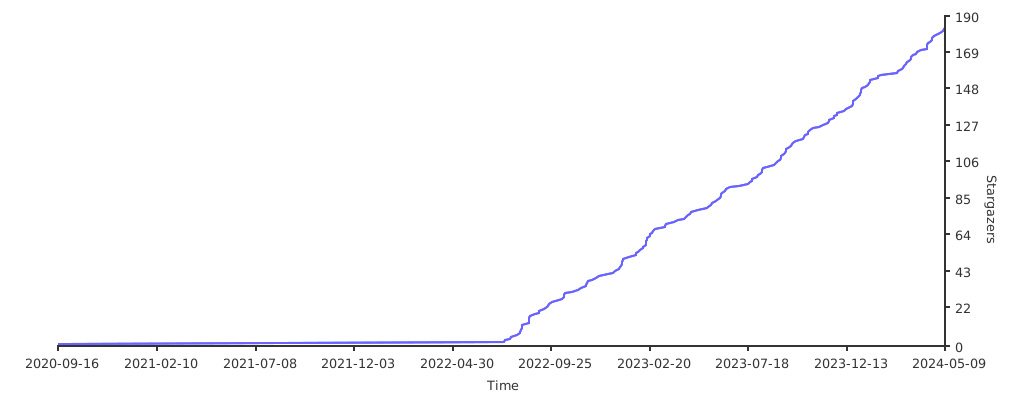
项目获得 Star曲线