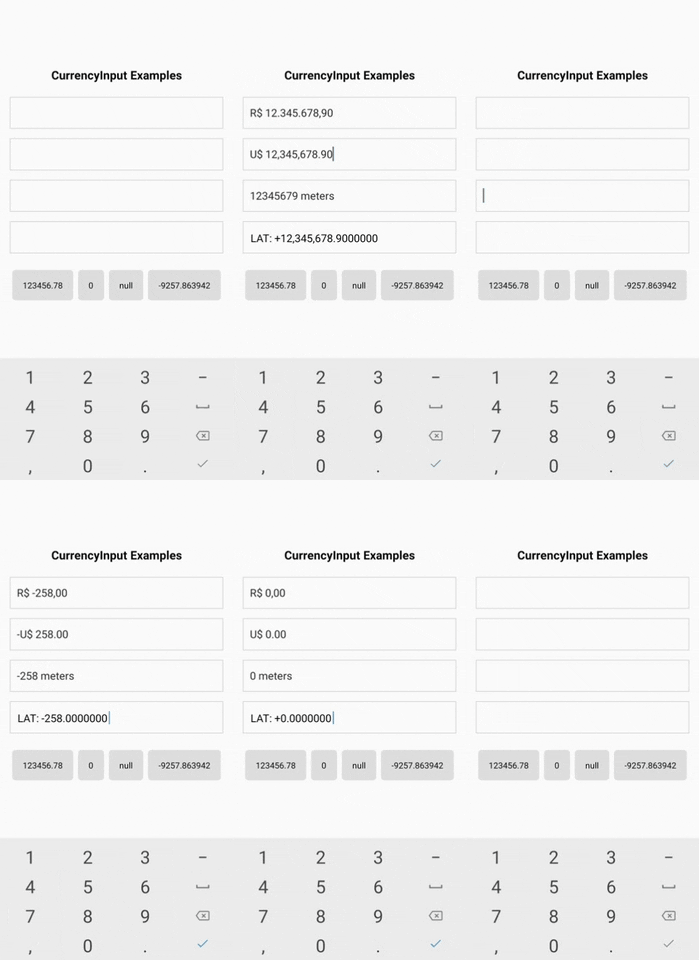
A simple currency input component for both iOS and Android
Usage no npm install needed!
<script type="module">
  import reactNativeCurrencyInput from 'https://cdn.skypack.dev/react-native-currency-input';
</script>
README
React Native Currency Input
A simple currency input component for both iOS and Android.
The goal of react-native-currency-input is to offer a simple and effective way to handle number inputs with custom format, usually a currency input, but it can be used for any number input case.
Features
A simple and practical component for number inputs
It's just a <TextInput/> component, so you can use its props and it's easy to customize
Handle any number format with these powerful props: precision, delimiter, separator, prefix and suffix.
It handles negative values and you can choose the position of the sign with the signPosition.
Set minimun and maximum values with minValue and maxValue.
import CurrencyInput from 'react-native-currency-input';

function MyComponent() {
  const [value, setValue] = React.useState(2310.458); // can also be null

  return (
    <CurrencyInput
      value={value}
      onChangeValue={setValue}
      prefix="
Callback that is called when the input's value changes. REQUIRED
prefix
string
Character to be prefixed on the value.
suffix*
string
Character to be suffixed on the value.
delimiter
string
,
Character for thousands delimiter.
separator
string
.
Decimal separator character.
precision
number
2
Decimal precision.
maxValue
number
Max value allowed. Might cause unexpected behavior if you pass a value higher than the one defined here.
minValue
number
Min value allowed. Might cause unexpected behavior if you pass a value lower than the one defined here.
signPosition
string
"afterPrefix"
Where the negative/positive sign (+/-) should be placed.
showPositiveSign
boolean
false
Set this to true to show the + character on positive values.
onChangeText
function
Callback that is called when the input's text changes. IMPORTANT: This does not control the input value, you must use onChangeValue.
* IMPORTANT: Be aware that using the suffix implies setting the selection property of the TextInput internally. You can override the selection, but that will cause behavior problems on the component
Tip: If you don't want negative values, just use minValue={0}.
This component hides the TextInput and use a Text on its place, so you'll lost the cursor, but will get rid of the flickering issue. To replace the cursor it's used a pipe character (|) that will be always at the end of the text. It also have a wrapper View with position "relative" on which the TextInput is stretched over.