README
React Polygon Particles Image
Image component with polygon particles
Installation
Run the following command:
npm install --save react-polygon-particles-image
Usage
import ParticlesImage from 'react-polygon-particles-image'

const MyComponent = props => (
  <div>
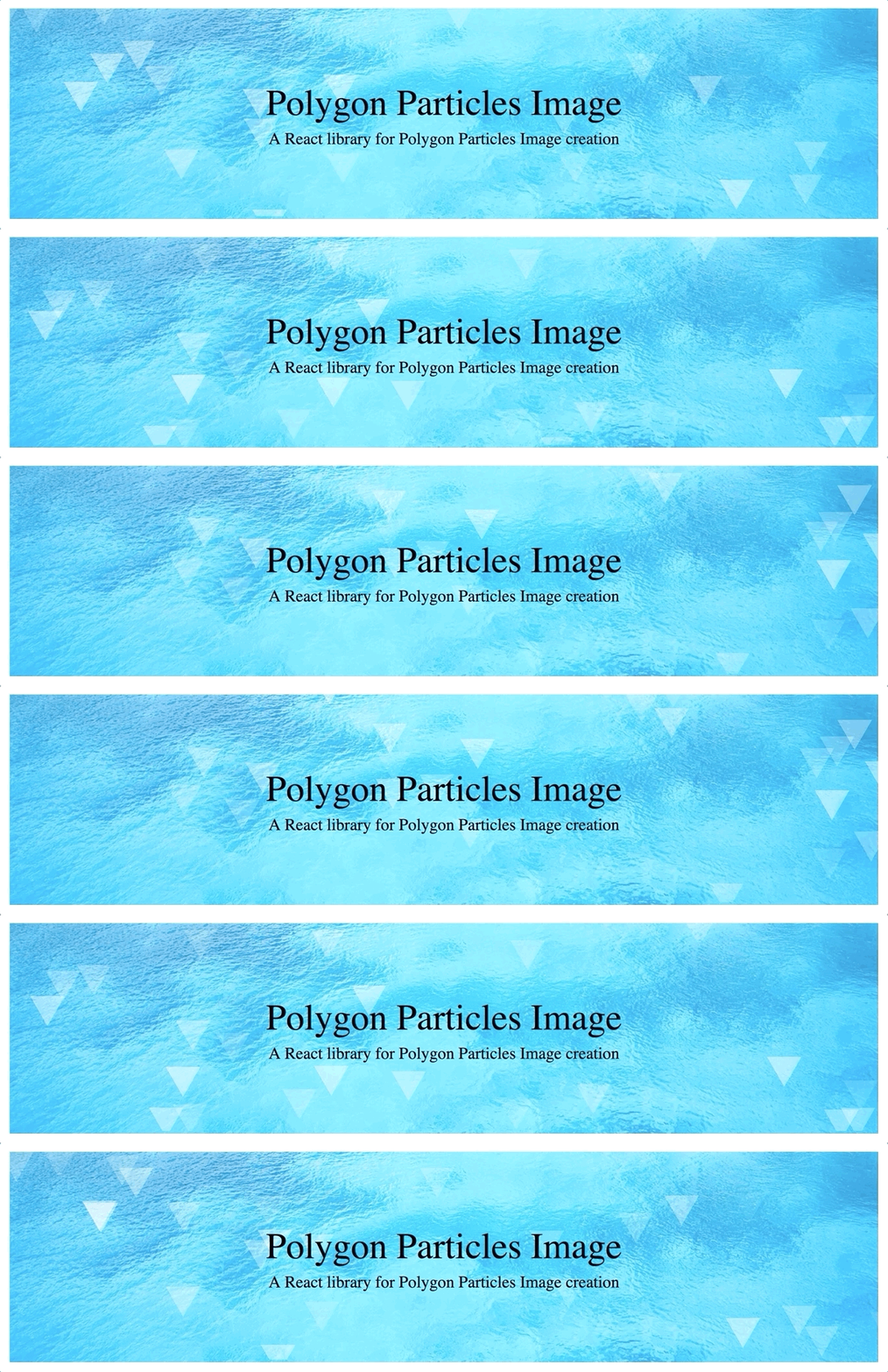
    <ParticlesImage
        style={{width: '96%', margin: '1rem 2%'}}
        backgroundImage={"https://firebasestorage.googleapis.com/v0/b/daily-quotes-7758f.appspot.com/o/backgrounds%2F1080p-HD-Image-Nature-Desktop.jpg?alt=media&token=59419fda-0251-4caa-8b61-79980f262050"}
        particlesAmount={50}
        particlesSize={20}
        title="Polygon Particles Image"
        subtitle="A React library for Polygon Particles Image creation"
        subtitleStyle={{fontSize: '1.6rem', marginTop: '0.5rem'}}
        onHeaderClick={() => {}}
    />
  </div>
)
Properties
| Props | Default Values | Descriptions |
|---|---|---|
| style | none | Component container styles |
| particlesAmount | 20 | number of particles |
| particlesSize | 10 | particles size |
| particlesColor | '#ffffff' | particles color |
| particlesPolygonSides | 3 | particles polygon sides |
| particlesSpeed | 10 | particles speed |
| title | '' | Image title |
| titleStyle | {} | Image title styles |
| subtitle | '' | Image subtitle |
| subtitleStyle | {} | Image subtitle styles |
| headerWidth | '100%' | Header width |
| headerHeight | '20rem' | Header height |
| onHeaderClick | none | On image click action |