README
react-unity-rich-text
React component to parse and stylize unity rich text


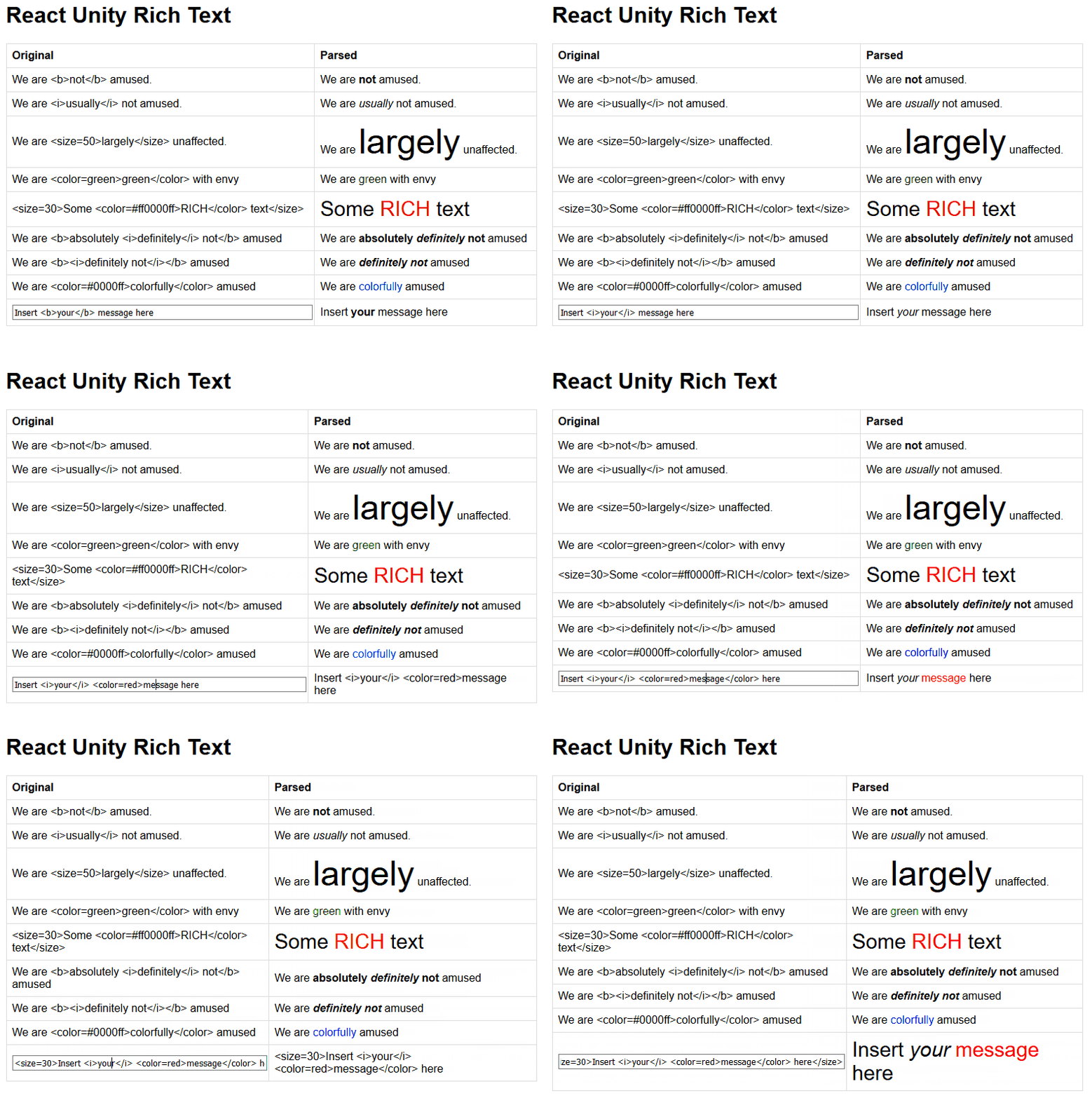
This component can be used to render Unity's Rich Text in the webpage by creating span tags with the appropriate styling.
Install
npm install --save react-unity-rich-text
Usage
Check out the demo
import React, { Component } from 'react'

import UnityRichTextComponent from 'react-unity-rich-text'

class Example extends Component {
  render () {
    return (
      <UnityRichTextComponent>
        {"<size=30>Some unity <color=#ff0000ff>RICH</color> text</size>"}
      <UnityRichTextComponent>
    )
  }
}
Unity Rich Text
(adapted from the official documentation)
Supported tags
The following list describes all the styling tags supported by Unity.
| Tag | Description | Example |
|---|---|---|
| b | Renders the text in boldface. | We are <b>not</b> amused. |
| i | Renders the text in italics. | We are <i>usually</i> not amused. |
| size | Sets the size of the text according to the parameter value, given in pixels. | We are <size=50>largely</size> unaffected. |
| color | Sets the color of the text according to the parameter value. The color can be specified in the traditional HTML format. #rrggbbaa or by using the default colors seen in the documentation | <color=#00ffffff>…</color> |
Props
The Unity Rich Text Component can receive functions as props to handle the styling of the span for each kind of supported tag. All of these must be functions that return a react style.
| Property | Parameters | Default return |
|---|---|---|
| onBold | {fontWeight: 'bold'} |
|
| onItalic | {fontStyle: 'italic'} |
|
| onSize | size | {fontSize: \`${size}px\`} |
| onColor | color | {color: color} |
License
MIT © emargollo