README
reactjs-countdown-hook
a simple count down timer hook for react


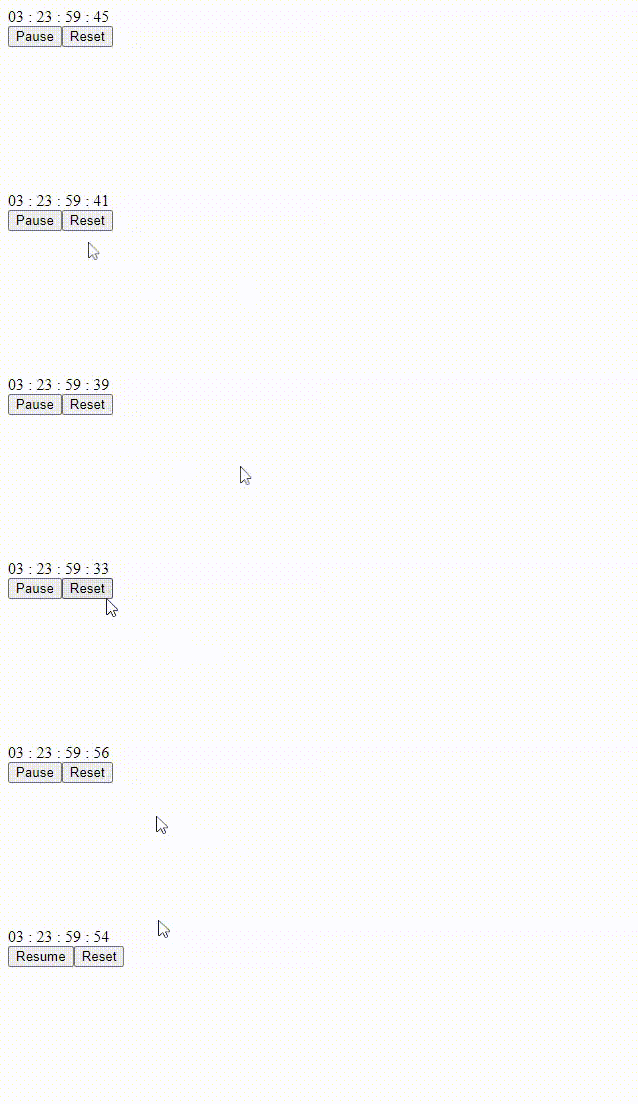
Introduction
Full Tutorial In My Blog: click here reactjs-countdown-hook is a simple count down timer hook for react that makes creating timers very easy this hook is very flexible and it accepts seconds and a function to run after the count down is over and it features formatted seconds, minutes, hours and days and it has functions for pausing, resuming and resetting.
Installation
npm install --save reactjs-countdown-hook
Usage
the useTimer hook of "reactjs-countdown-hook" accepts initial remaining time as seconds and an optional callback function to run when the timer is over and the hook returns the following variables:
- isActive: the state of the timer that shows if the count down is paused or it's active - boolean
- counter: remaining time in seconds - number
- seconds: 00 formatted remaining seconds - string
- minutes: 00 formatted remaining minutes - string
- hours: 00 formatted remaining hours - string
- days: 00 formatted remaining days - string
- pause: a function to pause the count down - function
- resume: a function to resume the count down - function
- reset: a function to reset the count down to the given initial seconds - function
in the below example I have created a simple timer with 2 minutes initial remaining time and it alerts "times up!" when the count down is over:
import { useTimer } from  "reactjs-countdown-hook";

const  Example = () => {

const {
isActive,
counter,
seconds,
minutes,
hours,
days,
pause,
resume,
reset,
} = useTimer(120, handleTimerFinish);

function  handleTimerFinish() {
    alert("times up!");
}

return (
<div>

    <div>{`${days} : ${hours} : ${minutes} : ${seconds}`}</div>
    <button  onClick={() => (isActive ? pause() : resume())}>
        {isActive ? "Pause" : "Resume"}
    </button>
    <button  onClick={reset}>Reset</button>

</div>

);

};
License
MIT © hoseinhamzei