README
T-View: Open images inside the terminal!
T-View is an image viewer, that can load local files as well as web URL.
It is proudly powered by Terminal-kit.
First, install it globally (recommended): npm install -g tview.
Then, usage is: tview <file-path | web URL> [url2] [...] [option1] [option2] [...]
Options:
- --move , -m : interactively move the image around
- --scale , -s : scale relative to the terminal size (e.g.: 1 fits the terminal)
- --help , -h : display the help
Examples:
tview some-image.jpgtview some-image.jpg another-image.jpgtview https://upload.wikimedia.org/wikipedia/commons/1/1e/Stonehenge.jpgtview -m https://upload.wikimedia.org/wikipedia/commons/1/1e/Stonehenge.jpgtview -m -s 3 https://upload.wikimedia.org/wikipedia/commons/1/1e/Stonehenge.jpg
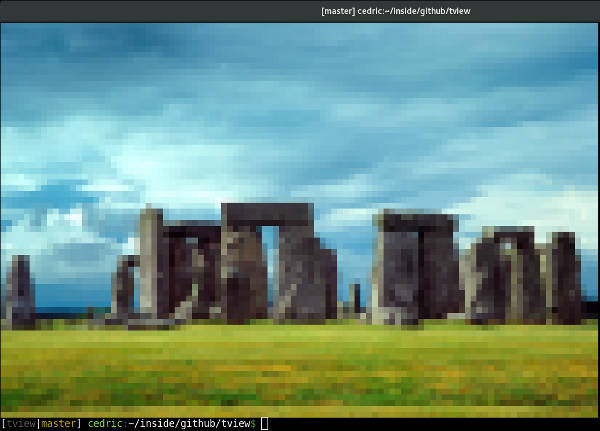
If your terminal supports true colors, this would produce something like this:
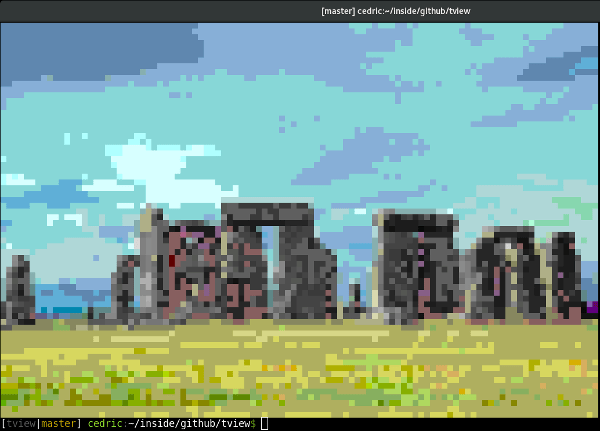
If your terminal doesn't support true colors, the closest color in the available palette is used. Example with a 256 colors terminal: