README
vue-tv(vue-spatial-navigation)
Focus library for smart Tv application using Vue js and mitt(event-bus);
- Supports only Vue-2
Live demo
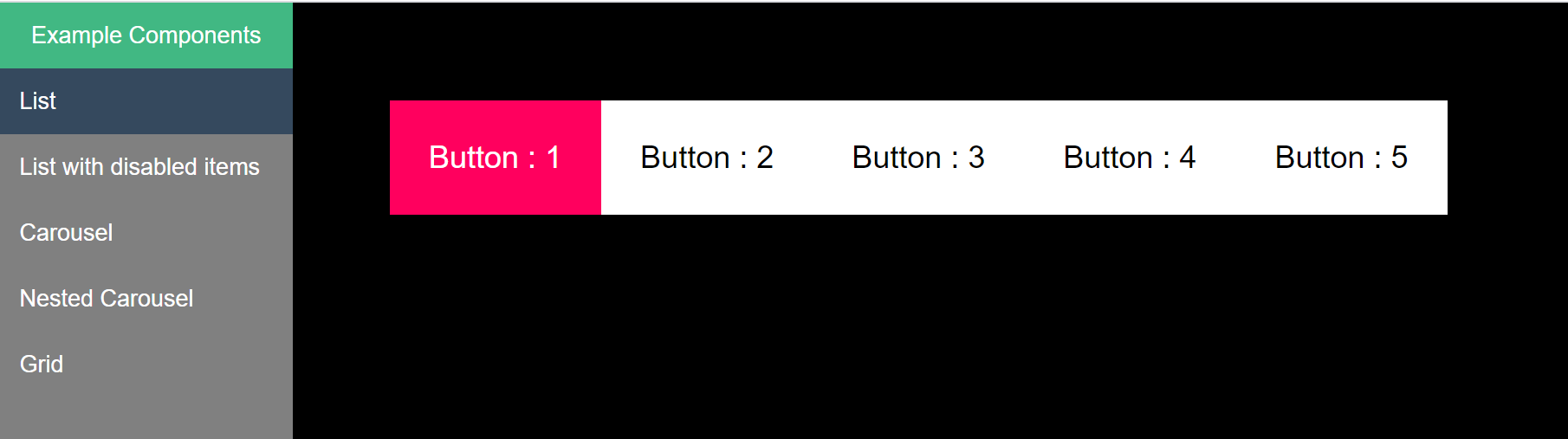
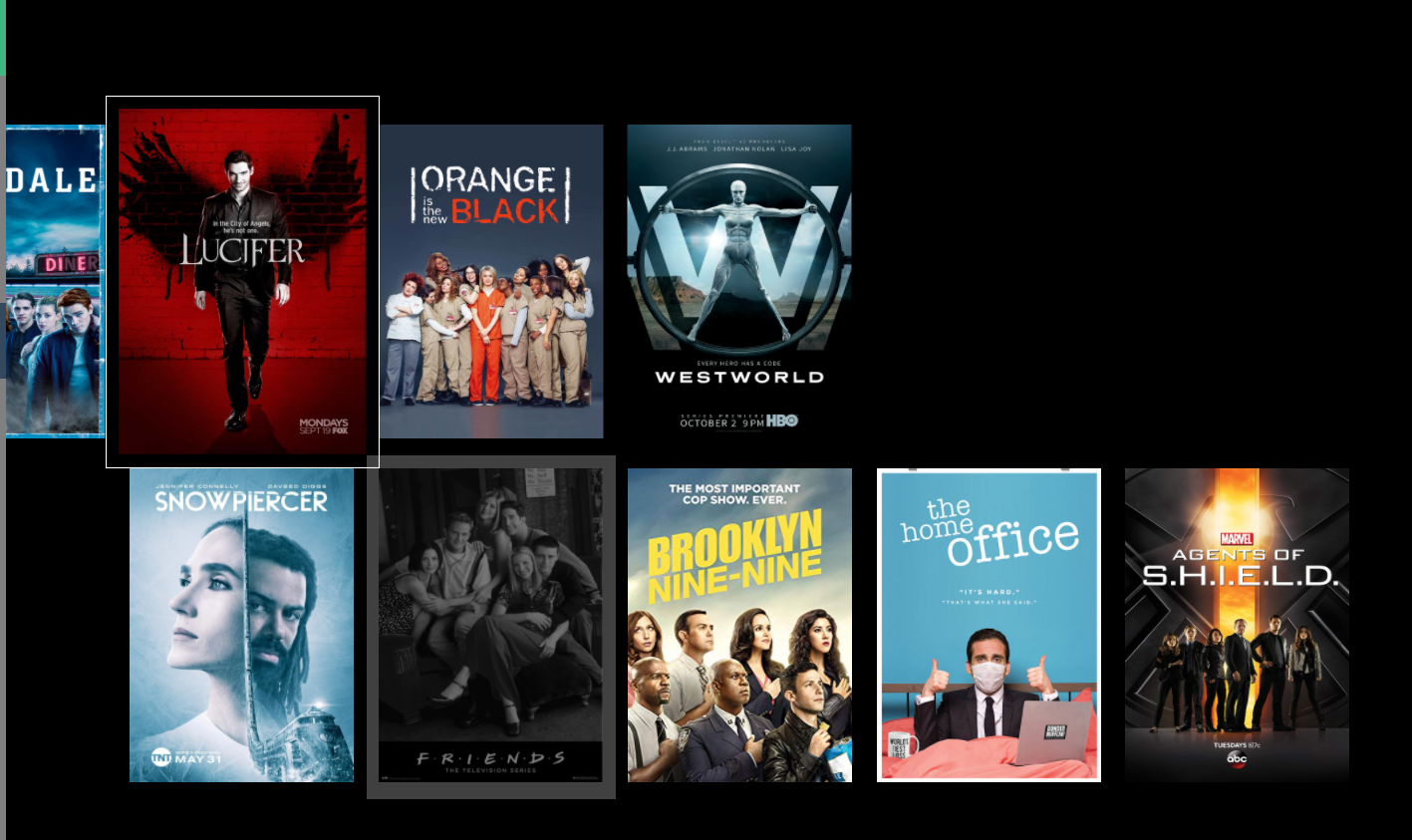
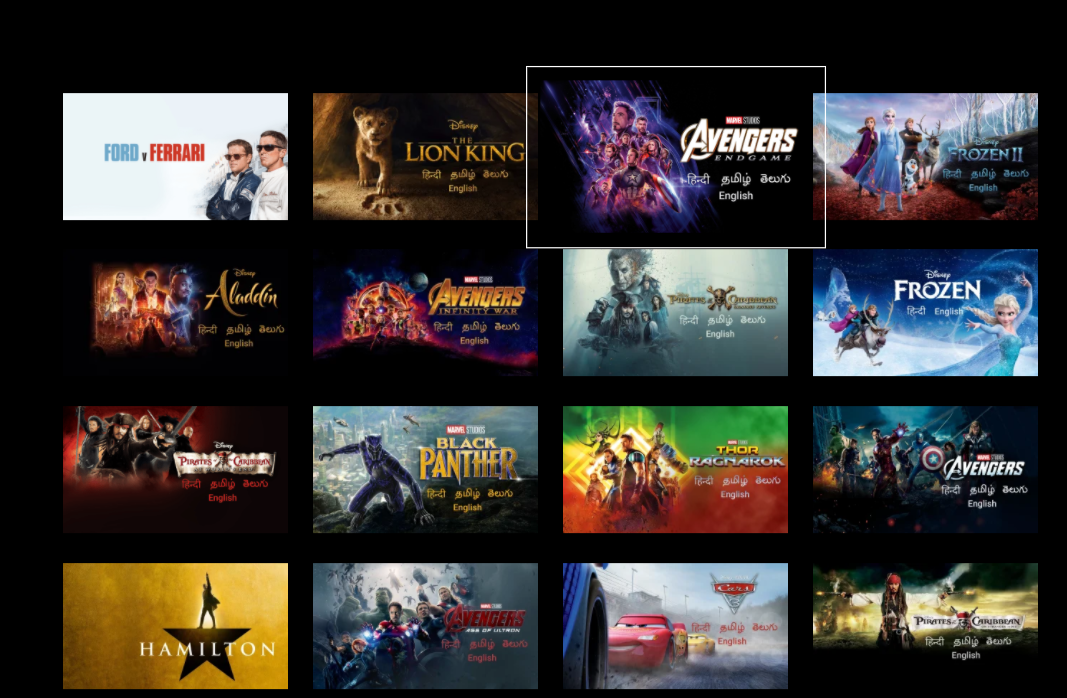
Screenshots
Getting Started
npm install vue-tv
List
import {FocusableList} from "vue-tv";

<List
    :child="Button" //custom component
    :isFocused="true" //to set focus
    :items="items" //array to loop
    v-on:onFocusChange="onFocusHandler"
  />
List with disabled
<List
    :child="Button"
    :isFocused="true"
    :items="items"
    :disabledIndex=[0,2,3] //index
  />
Nested Carousel
<List
    :child="child"
    :isFocused="true"
    :items="items"
    :shouldScroll="true"
    orientation="VERTICAL"
  />
  ...

  data() {
    return {
      items: [
        {
          child: Card,
          shouldScroll: true,
          items: carouselData[0],
        },
        {
          child: Card,
          shouldScroll: true,
          items: carouselData[1],
        },
      ],
      child: List,
      shouldScroll: true,
    };
  },
Grid
<Grid
    :child="Card"
    :isFocused="true"
    :items="items"
    :shouldScroll="true"
    :maxColumn="4"
  />
Props
| Name | Type | Required | Description | Default |
| :- | :- | :- | :- | :- |
| child | Vue Component| true | Child widget to display on each index of list/grid | |
| items | Array| true | Array to loop through | [] |
| isFocused | Boolean| true | To set focus & make it navigatable | false |
| defaultIndex | int| false | Initial index to be focused | -1 |
| disabled | Boolean| false | To disable the navigation | false |
| disabledIndex | Array| false | array of indices to disable in the list | [-1] |
| orientation | enum| false | Direction of list and navigation.['HORIZONTAL','VERTICAL'] | HORIZONTAL |
| shouldScroll | Boolean| false | To make list scroll as you navigate | false |
| id | String| false | Unique Id to handle navigation | Math.random().toString() |
Readme will be updated soon!
Please check the examples folder for reference for now.